
Settings » Advanced Settings » URL Rules
Link: https://support.brilliantdirectories.com/support/solutions/articles/12000110339
These settings are on the URL Rules tab of Settings » Advanced Settings. How to find a setting, read its details, change it and save is explained in Settings » Advanced Settings.
This section outlines essential website configuration settings that govern how the site's URLs, member profile pages, dashboard, and publishing features are structured and managed. These settings are organized into the following categories:
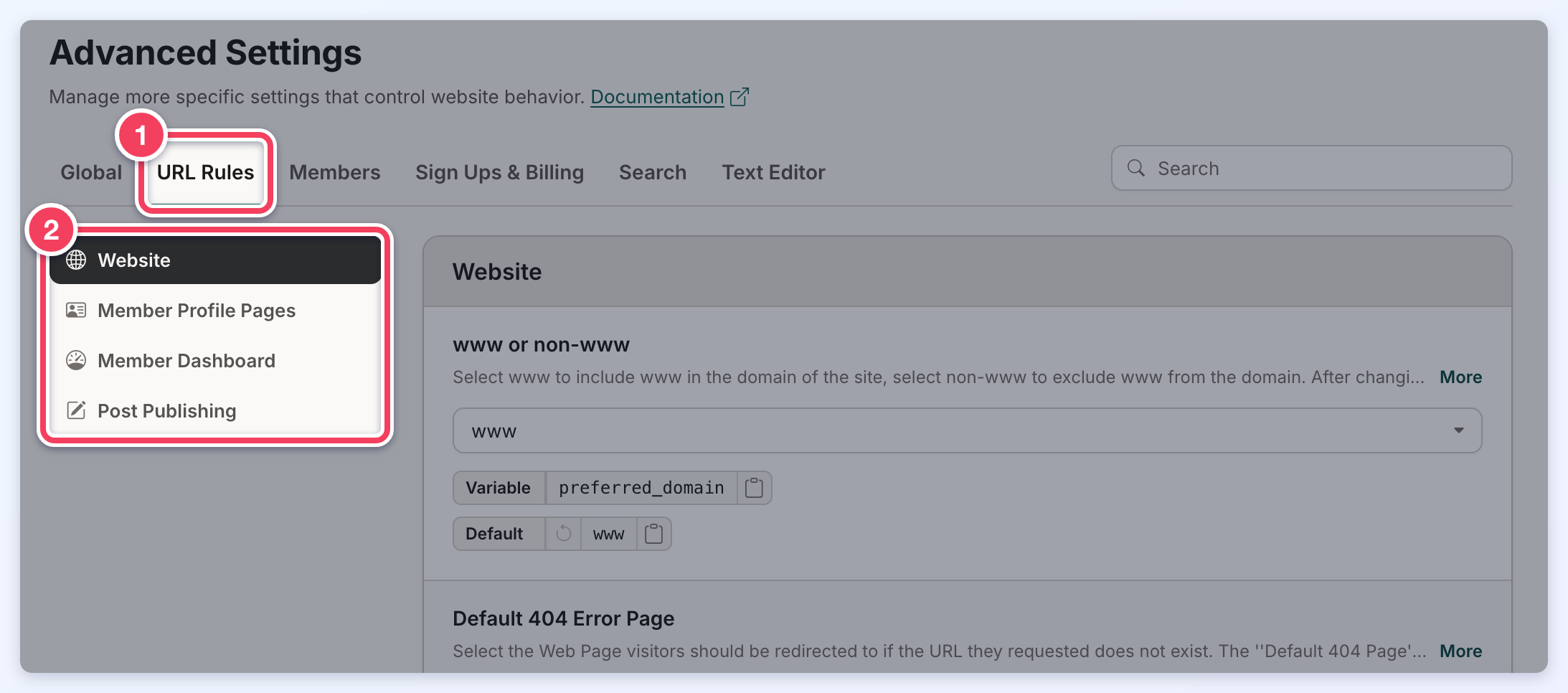
Website
This section includes settings that control URL structure, canonical tags, search engine indexing, page redirects, and iframe permissions for the website.
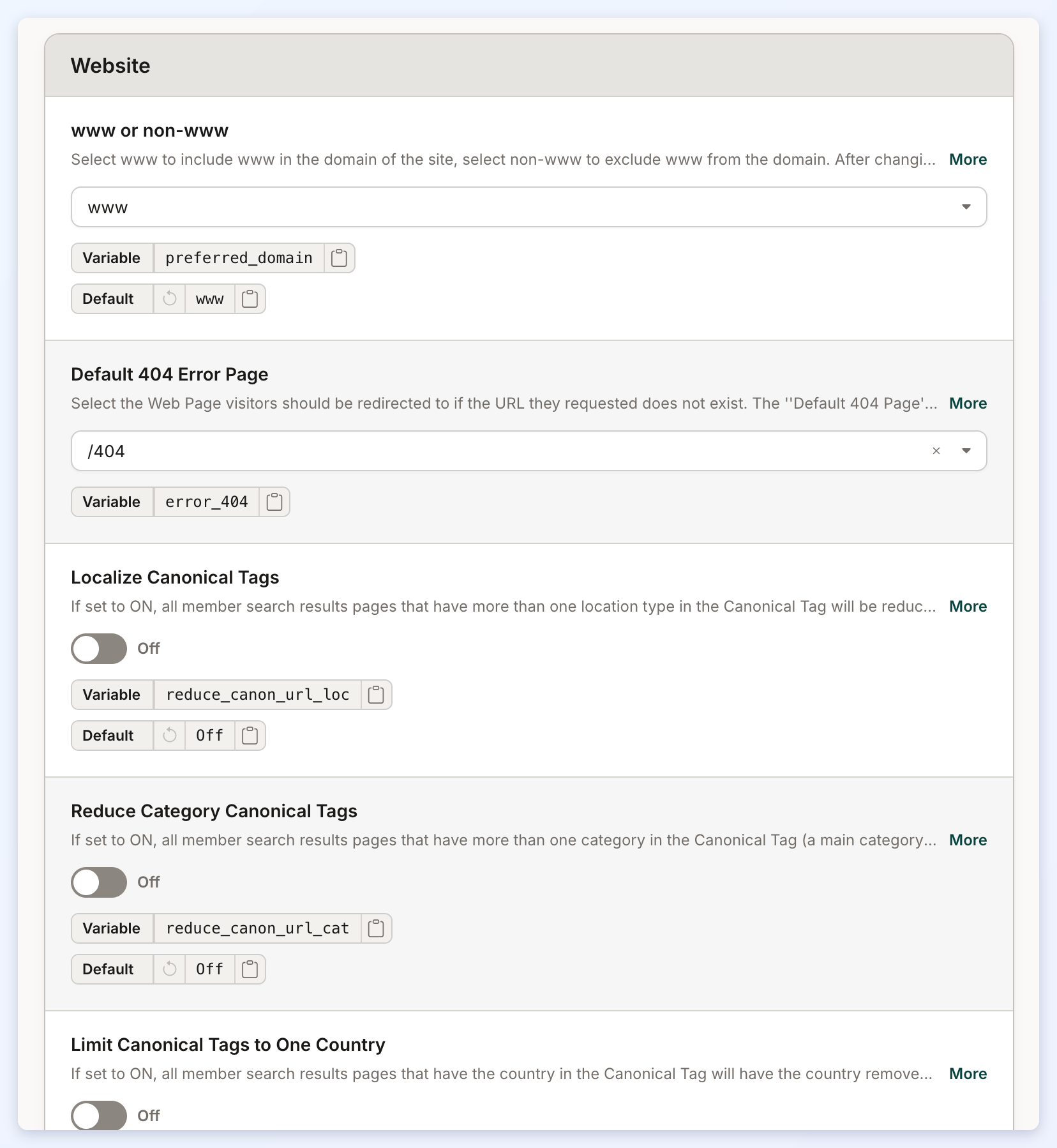
www or non-www
Select www to include www in the domain of the site, select non-www to exclude www from the domain. After changing this setting, please refresh the htaccess file to implement the change.
Default 404 Error Page
Option to select the Web Page visitors should be redirected to if the URL they requested does not exist.
Localize Canonical Tags
All member search results pages that have more than one location type in the Canonical Tag will be reduced to the most localized version possible. The member search page types this setting shortens (any page type with two or more location levels, such as State / City) are also left out of the website's XML sitemap.
Reduce Category Canonical Tags
All member search results pages that have more than one category in the Canonical Tag (a main category and a sub-level category, for example) will be reduced to only contain the most specific category. The member search page types this setting shortens (a main category and a sub-level category together) are also left out of the website's XML sitemap.
Limit Canonical Tags to One Country
Member search results pages whose Canonical Tag has the country together with a category will have the country removed. For example, /united-states/doctor is reduced to /doctor, while a location-only page such as /united-states/california keeps the country. The member search page types this setting shortens (the country plus a category) are also left out of the website's XML sitemap.
Redirect to Dashboard on Checkout Pages (Logged In)
Redirect members that are logged in and visit checkout pages to the user dashboard.
Categories Page URL
URL for the Categories Page. By default this is set to '/categories' to match the Web Page for Categories.
Default Member Signup Page URL
Member signup pages use the format /checkout/membership-plan-id by default. Edit the first portion of this URL (checkout) using this setting.
Default Form File Upload URL
Files uploaded through "File Upload"; Form Fields are saved in the folder /uploads/curriculum-vitae/ by default.
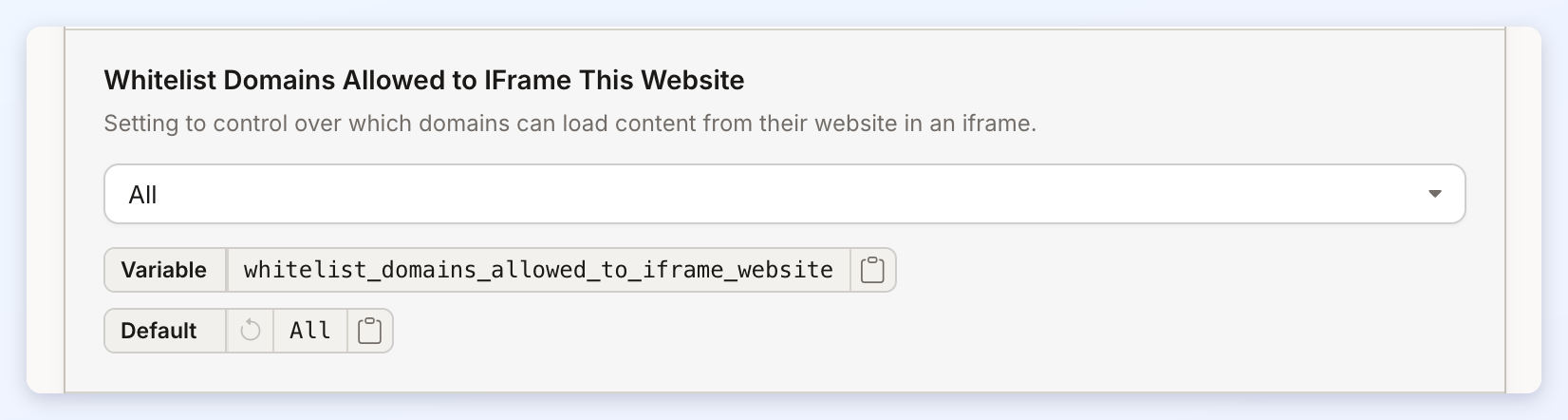
Whitelist Domains Allowed to IFrame This Website
A Setting to control over which domains can load content from their website in an iframe.
Noindex Review & Connect Pages
When enabled, member review and contact pages will use a noindex, follow robots meta tag to prevent these pages from being indexed by search engines.
Noindex, Follow Paginated Search Results
When enabled, paginated search results pages, starting with page 2, will use a noindex, follow robots meta tag to prevent these pages from being indexed by search engines.
Alternative Header Logo URL
Set an alternate URL for the header logo. By default, the logo links to your website’s homepage.
Enter a full URL (e.g., https://example.com) to replace this behavior and have the logo link to a different page or external website. Leave blank to keep the default.
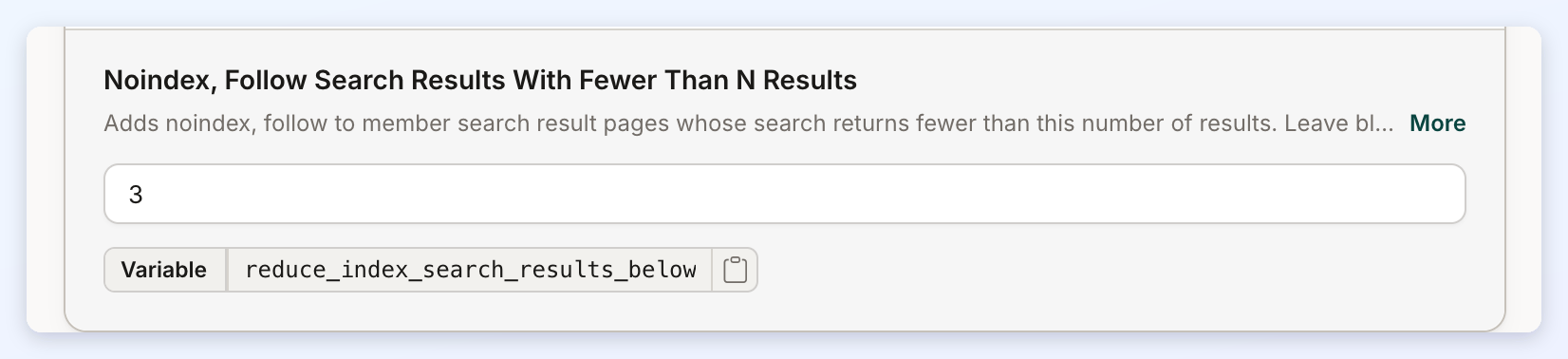
Noindex, Follow Search Results With Fewer Than N Results
Keeps thin member search results pages out of search engine indexes. Enter a number: when a member search finds fewer members than that number, its results page uses a noindex, follow robots meta tag, so search engines do not index the page but still follow its links to the member profiles. For example, with a value of 3, a category or city search results page that finds one or two members is set to noindex, while a page that finds three or more members stays indexable. The count is the total number of members the search found across all of its pages, not just the number shown on the current page. Leave the field blank (the default) or enter 0 to turn the setting off.
- The setting applies to member search results pages only. Post search results pages are not affected.
- A member search results page that has been given its own content as a Web Page stays indexable whatever its result count (see Adding SEO & Content To A Specific Member Search Results Page).
- Pages set to noindex by this setting are not removed from the website's XML sitemap.
- A website with a custom Bootstrap Theme - HEAD widget does not apply this setting until the custom widget is updated or deleted.
Member Profile Pages
This section focuses on configuring the structure and format of member profile page URLs.
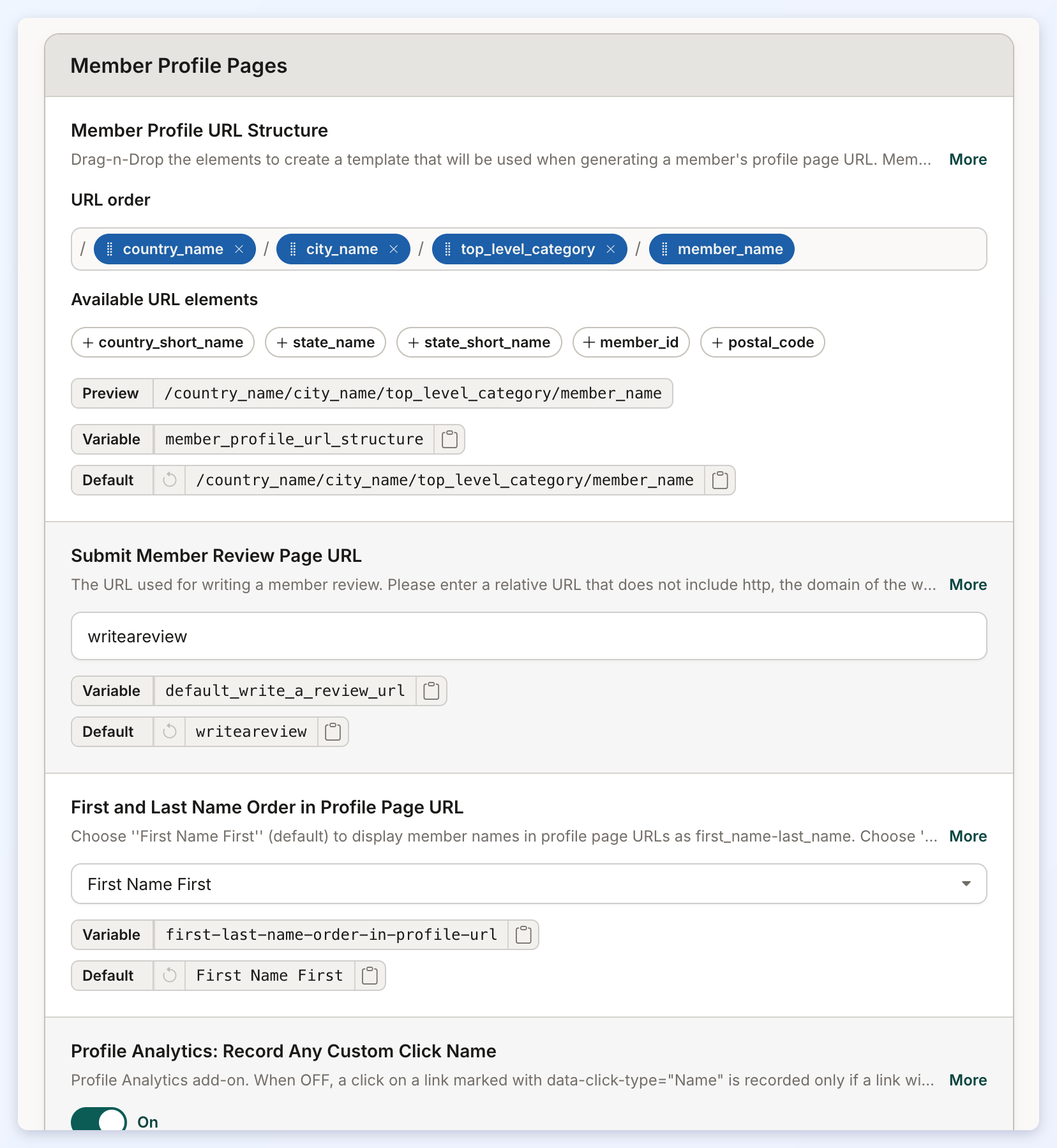
Member Profile URL Structure
Elements to create a template that will be used when generating a member's profile page URL. Member_Name is required; however, you can include or exclude all other elements.
Submit Member Review Page URL
The URL used for writing a member review.
First and Last Name Order in Profile Page URL
Choose "First Name First" (default) to display member names in profile page URLs as first_name-last_name. Choose "Last Name First" to display member names in profile page URLs as last_name-first_name.
Profile Analytics: Record Any Custom Click Name
Used with the Member Profile Analytics add-on. It controls which tracked custom links (links with a data-click-type name) have their clicks counted. When ON (default), a click on any tracked custom link is counted, including links added through site-wide header or footer code or a custom widget. When OFF, a click is counted only when a link with the same data-click-type name is saved on that member's own listing, for example in Listing Custom FOOTER Code. Setting up tracked links is covered in "Member Profile Analytics".
Member Dashboard
This section defines the URL structures used across various areas of the Member Dashboard and member-related features.
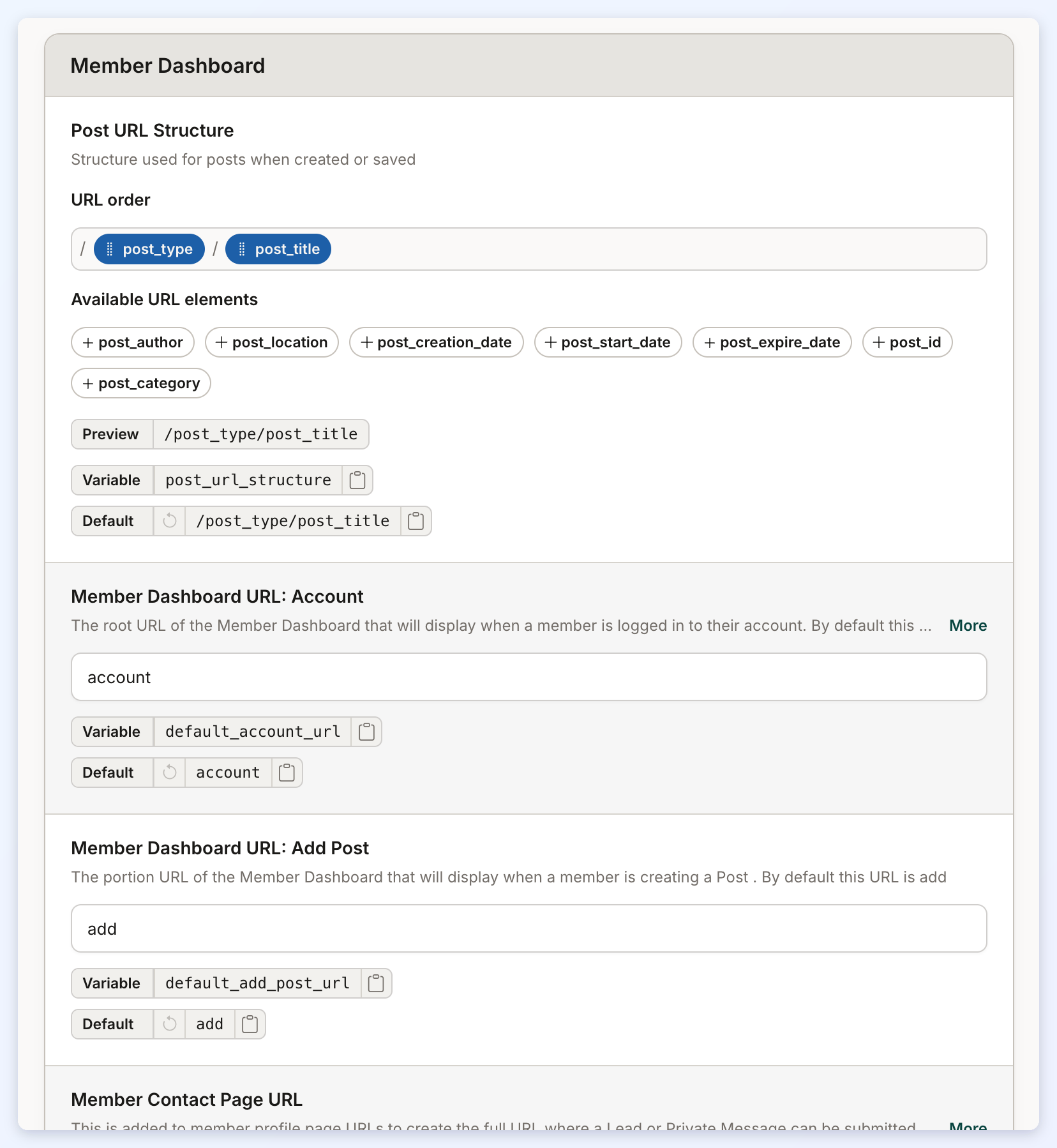
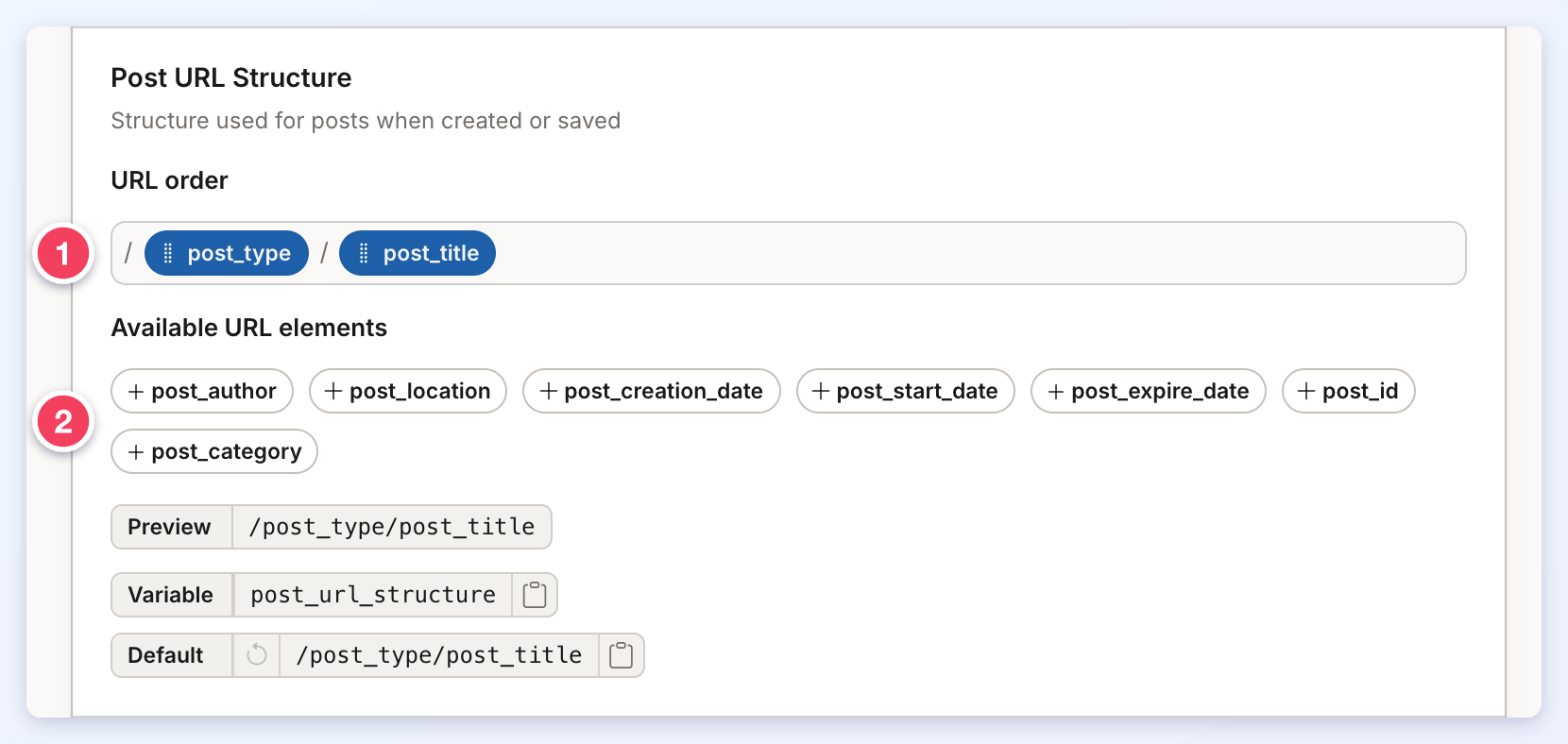
Post URL Structure
Structure used for posts when created or saved.
Member Dashboard URL: Account
The root URL of the Member Dashboard that will display when a member is logged in to their account.
Member Dashboard URL: Add Post
The portion URL of the Member Dashboard that will display when a member is creating a Post.
Member Contact Page URL
This is added to member profile page URLs to create the full URL where a Lead or Private Message can be submitted directly to a member.
Member Dashboard URL: Clone Post
The portion URL of the Member Dashboard that will display when a member is cloning a Post.
Member Dashboard URL: Add Multi-Photo Post
The portion URL of the Member Dashboard that will display when a member is creating a Multi-Photo Post Type.
Member Dashboard URL: Photo Display Order
The portion URL of the Member Dashboard that will display when a member is arranging the photos of a Multi-Photo Post.
Member Dashboard URL: Add Photos to Multi-Photo Post Types
The portion URL of the Member Dashboard that will display when a member is adding photos to a Multi-Photo Post Type for first time.
Member Dashboard URL: About Form
A portion of the URL used when a member fills out the "About" form in the Member Dashboard.
Member Dashboard URL: Contact Details Form
A portion of the URL used when a member fills out the "Contact Details" form in the Member Dashboard.
Member Dashboard URL: Home
The portion URL of the Member Dashboard that will display when a member is on their Member Dashboard Home Page.
Member Dashboard URL: Password
The portion of the Member Dashboard URL used for the Update Password page.
Member Dashboard URL: Billing
The portion of the Member Dashboard URL used when a member views their account billing information.
Member Dashboard URL: Changelisting
The portion of the Member Dashboard URL used for the Manage Account page.
Business Toolkit URL
Business Toolkit URL in the Member Dashboard.
Sub Accounts / Additional Locations Account Area URL Slug
URL slug for the Sub Accounts / Additional Locations account area page. Leave blank or set to "additional_locations" to preserve the default.
Post Publishing
This section outlines the URL structure settings related to member interactions, dashboard navigation, and key user actions on the website.
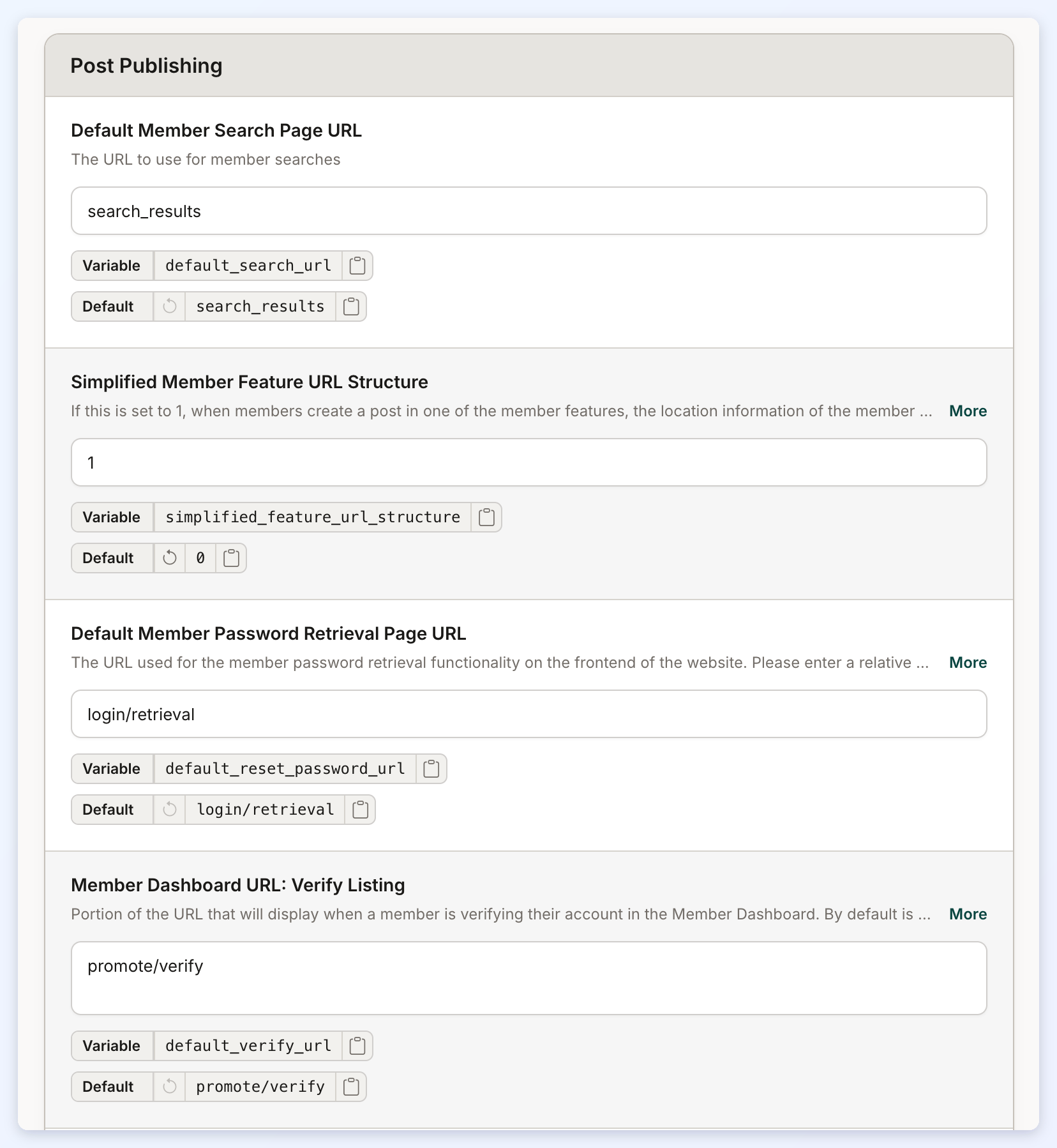
Default Member Search Page URL
The URL to use for member searches.
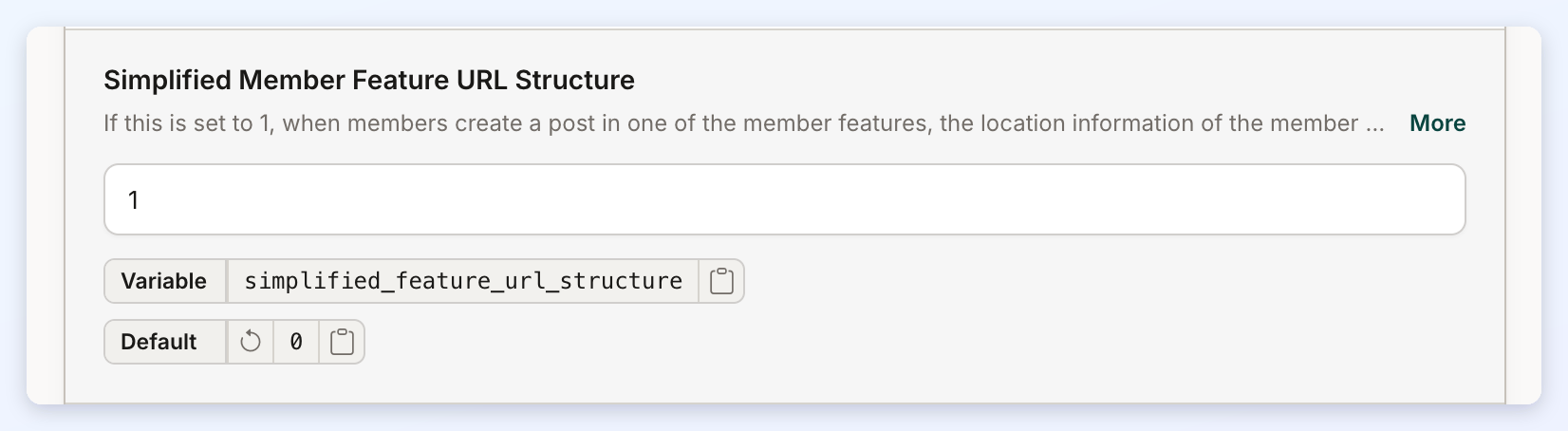
Simplified Member Feature URL Structure
If this is set to 1, when members create a post in one of the member features, the location information of the member will not be included in the URL structure of the post. If set to 0, the site will attempt to add the location information of the member to the URL structure of the post.
Default Member Password Retrieval Page URL
The URL used for the member password retrieval functionality on the frontend of the website.
Member Dashboard URL: Verify Listing
Portion of the URL that will display when a member is verifying their account in the Member Dashboard.
Member Dashboard URL: Leads Page
The portion of the URL of the Member Dashboard that will display when a member is viewing their Leads page in their Account.
Member Review Details Page URL
The portion of the URL of the Member Review that will display when visiting the member reviews details page.
Default Edit Post Page URL
The portion URL of the Member Dashboard that will display when a member is editing a Post.
Member Dashboard URL: Delete Post
The portion URL of the Member Dashboard that will display when a member is deleting a Post.
Member Dashboard URL: Edit Multi-Photo Post Type
The portion URL of the Member Dashboard that will display when a member is editing a Multi-Photo Post Type.
Member Dashboard URL: Upload Photos To Multi-Photo Post Types
The portion URL of the Member Dashboard that will display when a member is uploading photos to a Multi-Photo Post Types.
Member Dashboard URL: Delete Multi-Photo Post Type
The portion URL of the Member Dashboard that will display when a member is deleting a Mutli-Photo Post Type.
Member Dashboard URL: Save Post
The portion URL of the Member Dashboard that will display when a member is saving a Post.
Member Dashboard URL: View Post
The portion URL of the Member Dashboard that will display when a member is viewing their Post.
Member Dashboard URL: Edit Photos Data for Multi-Photo Post Type
The portion URL of the Member Dashboard that will display when a member is editing the photos data in a Multi-Photo Post Type.
Newsletter Unsubscribe Page URL
The URL used for the newsletter unsubscribe page.
Member Dashboard URL: Listing Details Form
A portion of the URL used when a member fills out the ''Listing Details'' form in the Member Dashboard.
Member Dashboard URL: Profile Photo
A portion of the URL used when a member uploads their Profile Photo, Logo, and/or Cover Photo in the Member Dashboard.
Member Dashboard URL: Service Areas
A portion of the URL used when a member selects Service Areas in the Member Dashboard.
Website Homepage URL
The URL used for the homepage of the website.
Member Dashboard URL: Upgrade
The portion of the Member Dashboard URL used when a member upgrades their account.
