
directoryup.com Subdomain Test Credentials
Link: https://support.brilliantdirectories.com/support/solutions/articles/12000106813
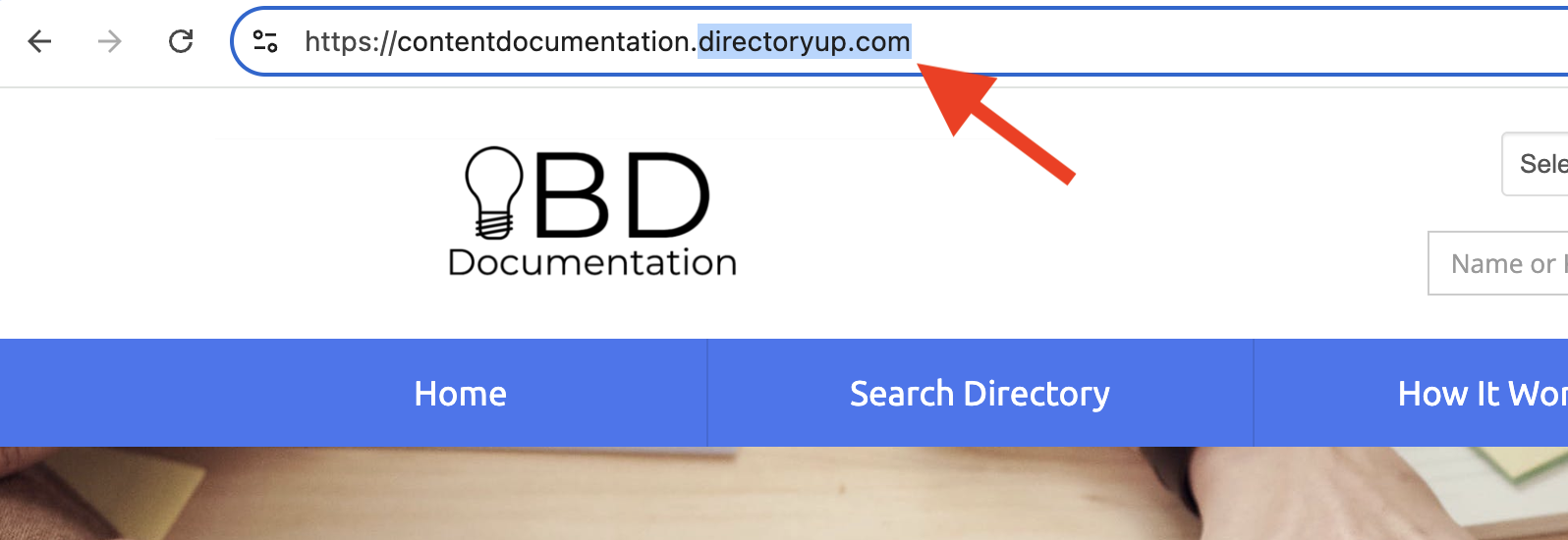
To make the website setup process smoother, all sites using a directoryup.com subdomain now start with our Brilliant Directories test credentials automatically enabled. This removes common setup roadblocks and allows usage of key features without needing to connect personal accounts right away.
What’s Automatically Enabled
When a new site is created using a directoryup.com URL, the system will provide a set of default test integrations so the admins can begin testing features immediately.
Test Stripe Gateway
New DirectoryUp sites start with the Test Stripe Gateway enabled. This allows a walk through of the checkout flow, test signup experiences, and payment settings all without needing to connect any live billing details.
Test Transaction Label
Transactions processed using Brilliant Directories’ default test Stripe credentials (automatically included on new sites) will now display a “Test Transaction” label in the transaction history for clear distinction from live payments.
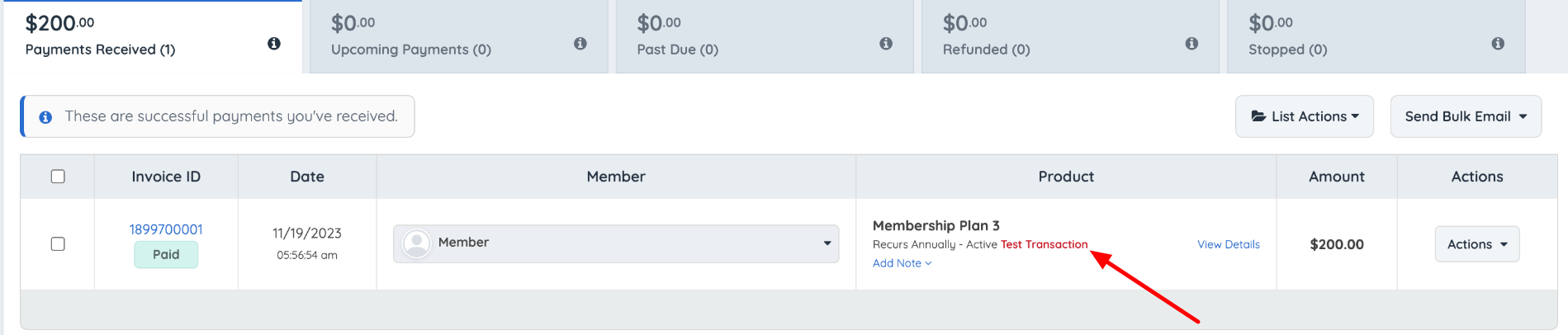
Note: This applies only to the built-in BD test Stripe credentials, not to custom Stripe accounts connected in test mode.
Default reCAPTCHA
For security and spam protection, a default reCAPTCHA key is assigned to the DirectoryUp URL. This ensures the forms work correctly while setting things up.
Default Google Maps JavaScript Key
DirectoryUp sites also receive a default Google Maps JS key so maps, location fields, and distance searches load during the early setup stage.
Together, these defaults allows the testing of important pages and workflows immediately after launch.
What to Know About Limitations
Because these are shared test-only credentials, they are not designed for long-term or high-volume use. To keep performance stable for everyone, the following limits apply.
Bulk Geocoder Restrictions
Bulk geocoding for members or posts is disabled under the test Google Maps key. To use bulk geocoding, replace the test key with your own Google Maps API key in the Admin settings.
Bulk Import Members
Bulk importing members cannot use the shared test credentials for geocoding or location processing. If the member import includes addresses or relies on Maps-based functions, you’ll need to add your own Google Maps API key before running the import to ensure accurate results and prevent errors during processing.
Bulk Import Posts
The same limitation applies when bulk importing posts. Any post types that require location data — such as events, classifieds, or listings with addresses — will not fully process under the default test key. Adding your own Google Maps API key will allow the import to complete normally and apply correct geocoding.
Not Allowed in Custom Widgets
The shared test keys cannot be used inside custom widgets. If custom functionality needs Google Maps or other related services, add your own API key first.
Usage Limits on the Shared Google Account
The Google Maps test key has strict usage limits. If the site grows or receives increased map activity, a switch to your own Google API key to ensure consistent performance is required.
Add Your Own Keys
As soon as the basic website features are tested, we recommend replacing the default test credentials with your own:
- Connect your own Stripe account before accepting real payments
- Add your own Google Maps API key for full geocoding and map functionality
- Add your own reCAPTCHA keys for higher traffic or custom form setups
This ensures the site runs smoothly, supports full functionality, and avoids rate limits.
Why This Update Helps
The goal of this update is to remove friction during the early steps of building a directory. New DirectoryUp users can now:
- Test the signup and payment flow instantly
- See maps and location fields working right away
- Avoid confusion around missing API keys or setup errors
Everything loads out of the box, creating a clear path to start shaping the website.
