
My Account
Link: https://support.brilliantdirectories.com/support/solutions/articles/12000067343
At the top right corner of the admin the "My Account" button can be found:
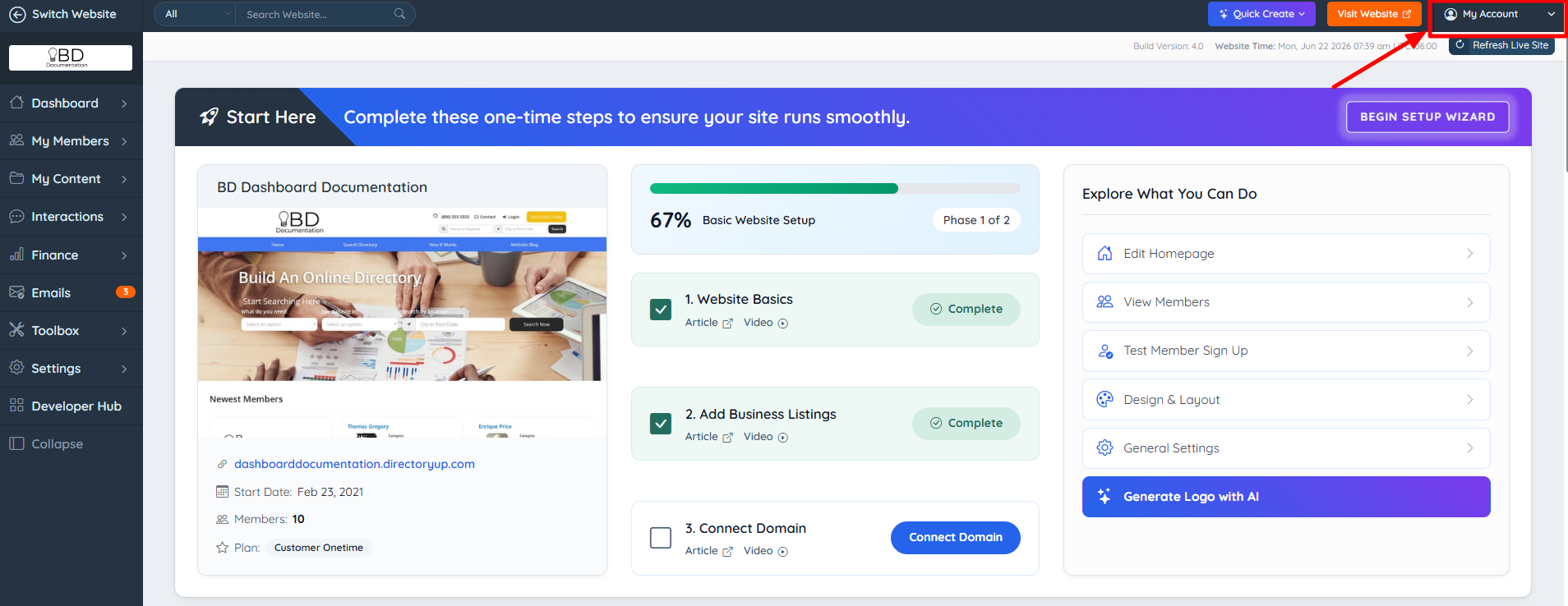
Clicking on this button will display a dropdown that shows the admin account that is currently logged in.
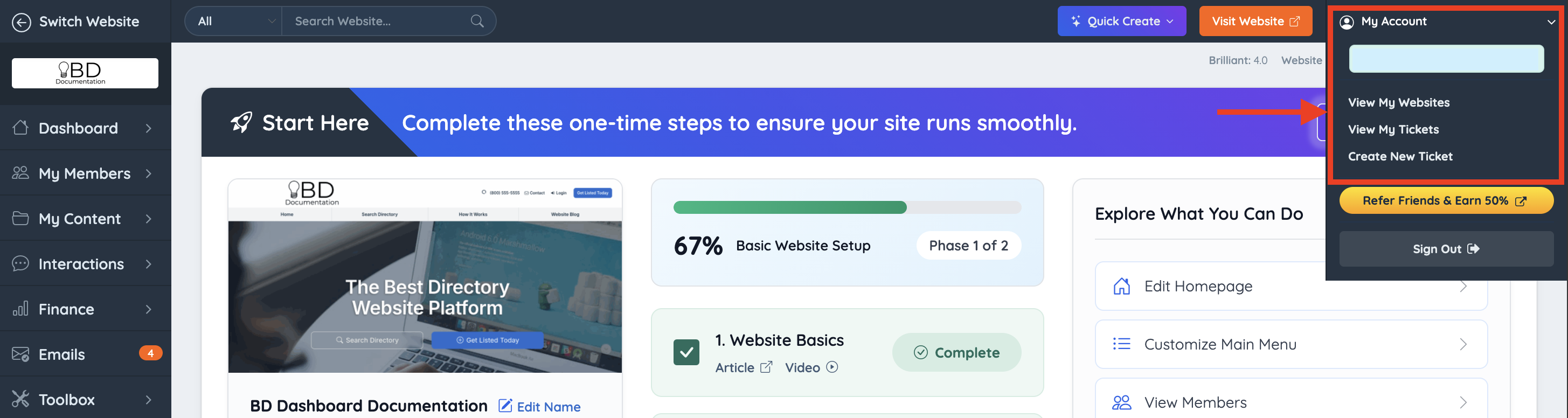
Also, here are several useful shortcuts to:
- View My Websites – Opens the Account Dashboard.
- View My Tickets – Lists the account's support tickets.
- Create New Ticket – Opens a new support ticket.
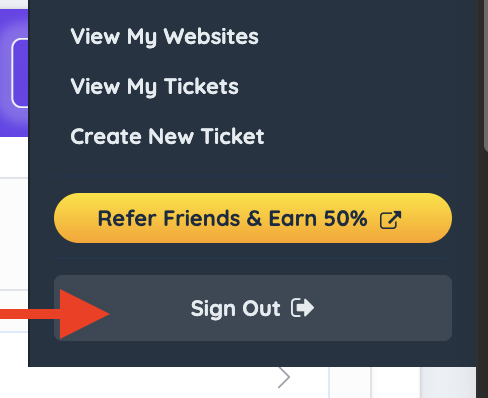
At the bottom, there's the option to Sign Out of the current account.
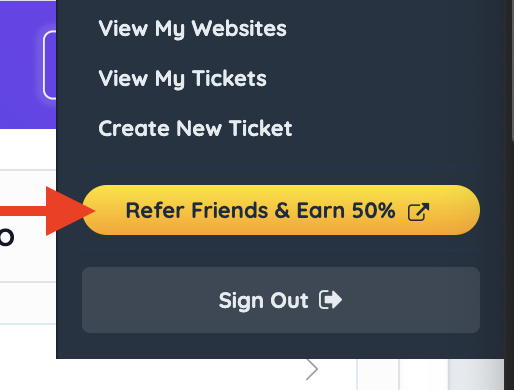
Refer A Friend Program
Refer someone to Brilliant Directories and earn 50% commission when they sign up and make a purchase. You'll get paid every time your referral completes a transaction.
Account Settings
The admin account's own profile, sign-in and notification settings are managed from the Account Dashboard rather than from this menu. In the Account Dashboard, click the admin name at the top right to reach them, or see:
