
How to link a PDF to a Static Page
Link: https://support.brilliantdirectories.com/support/solutions/articles/12000037888
Follow the steps in this article to learn how to add a PDF to a page.
1. Before linking the file to a static page, the file must be uploaded to the Media Manager. Learn more: How to Upload a File
2. Create or access the page intended for this purpose. Learn more: How to Create a Web Page
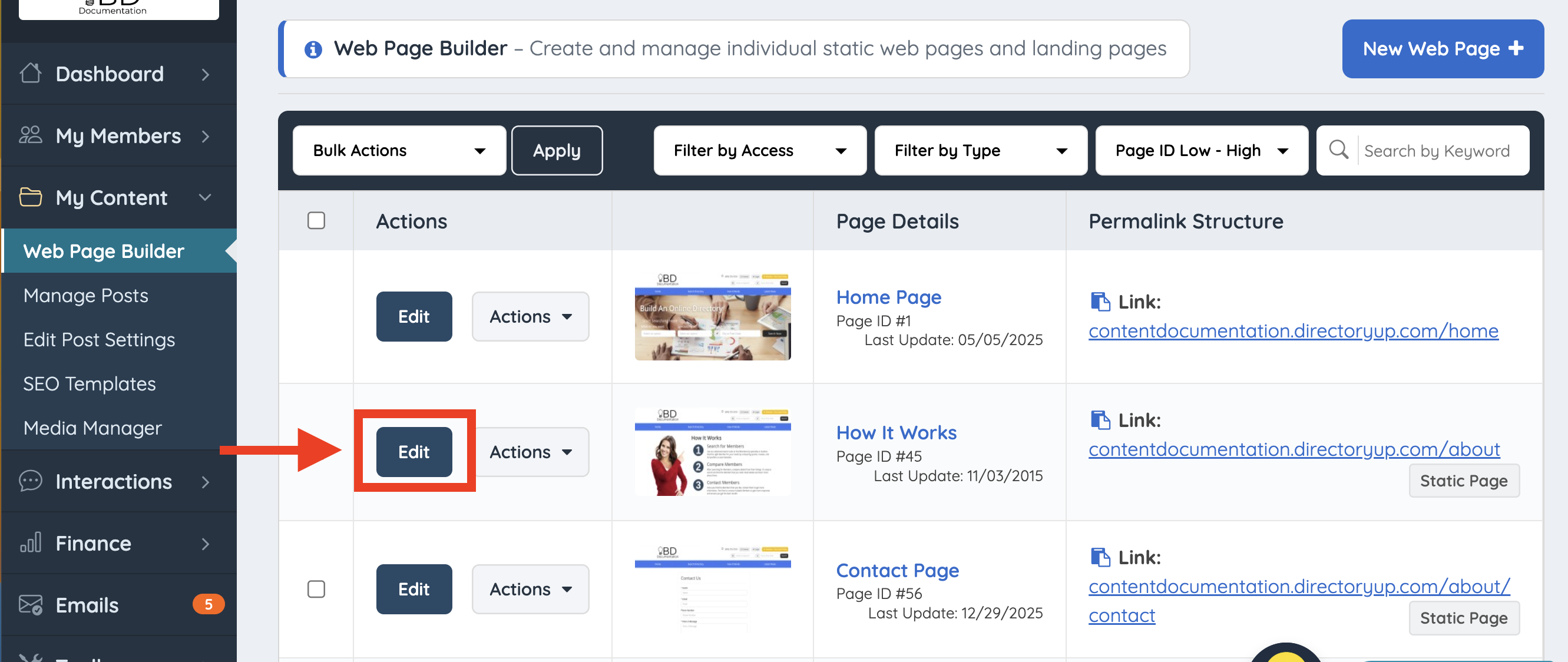
3. Navigate to My Content > Web Page Builder.
4. Locate the page and click Edit.
Text Link
Highlight the text and click Insert Link.

Enter the path to the PDF file using only the relative part of the URL, for example: /images/pdf.pdf

Image Link
Click the image and follow the same steps as above to link the PDF.

6. Click Save Web Page:

Finally, click View Page.

