How to Add a Sidebar to a Static Page
Link: https://support.brilliantdirectories.com/support/solutions/articles/12000002791
To add a sidebar to a static page, navigate to My Content » Web Page Builder and click "Edit" for an existing page, or click the New Web Page button to create a new one.
The sidebar options are under the Display Options tab:
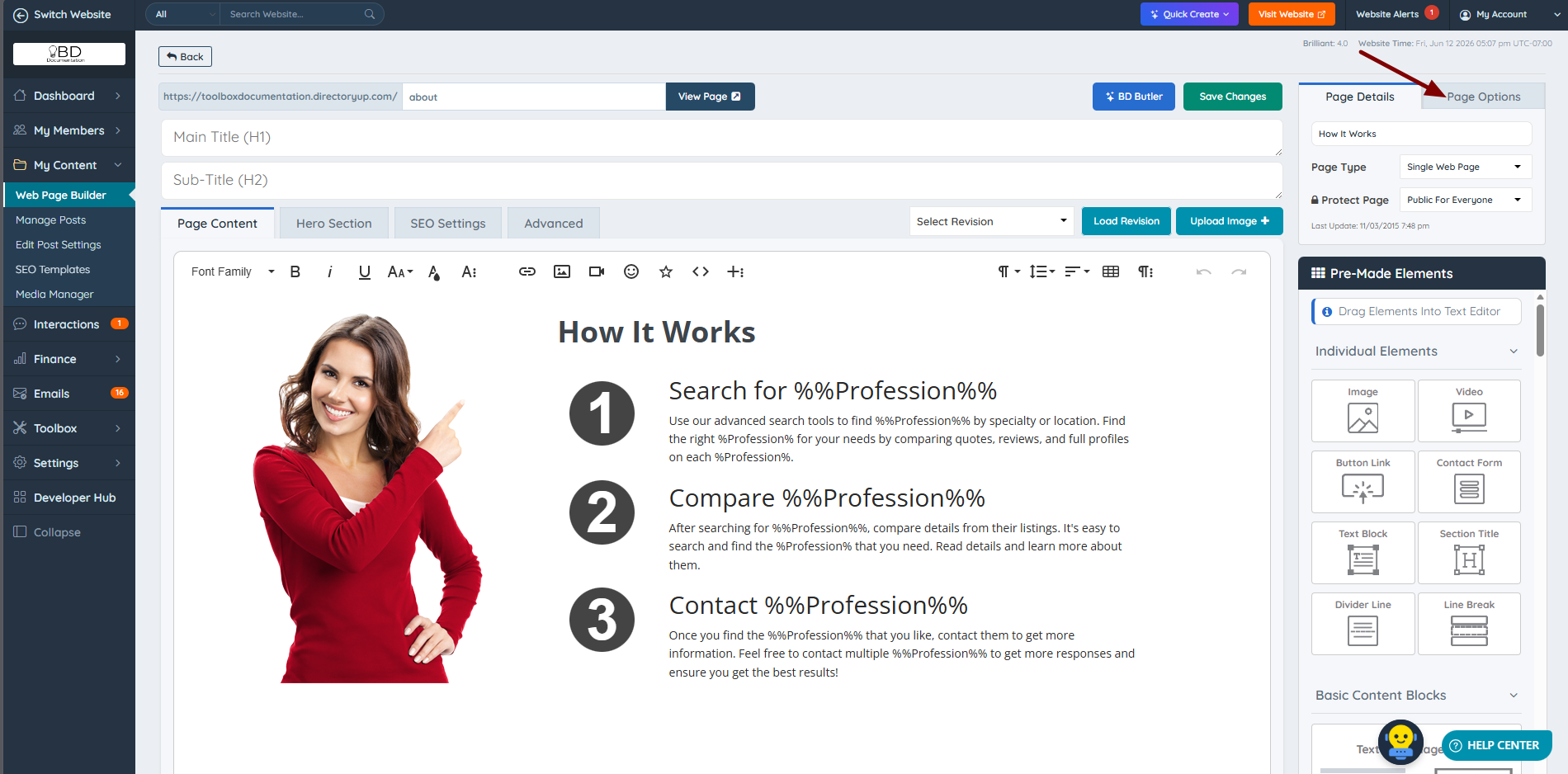
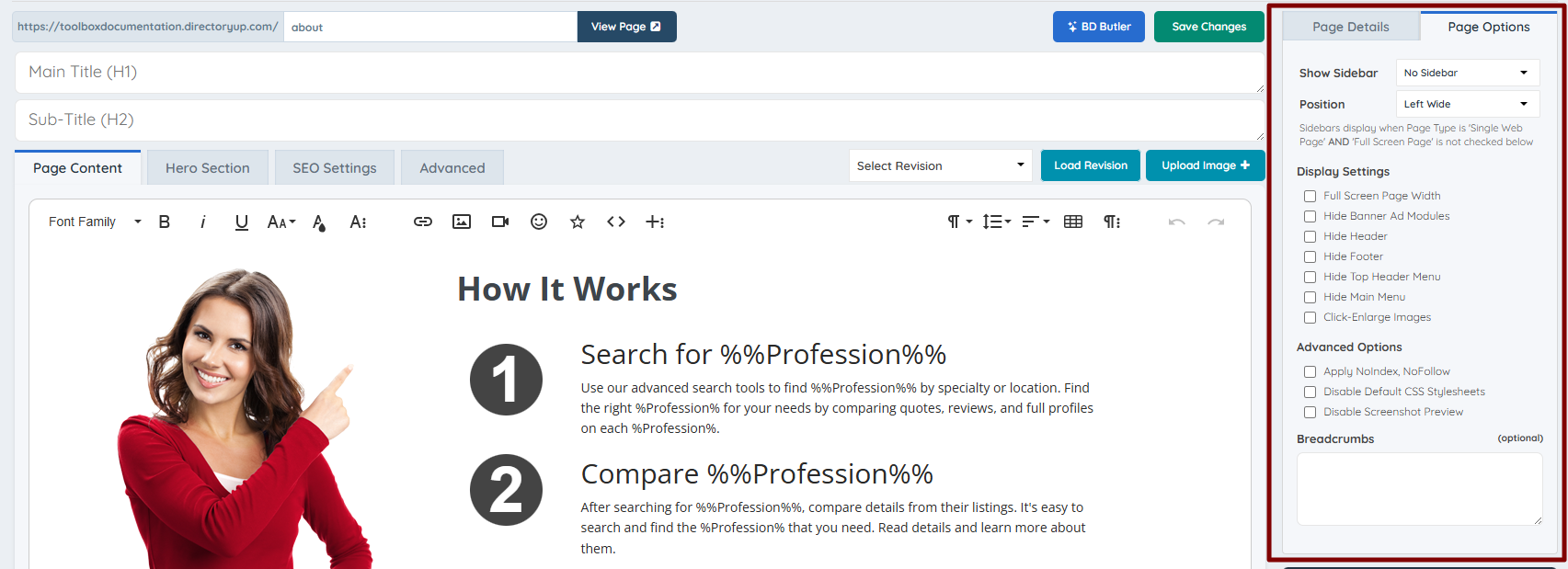
Two settings on this tab control the sidebar:
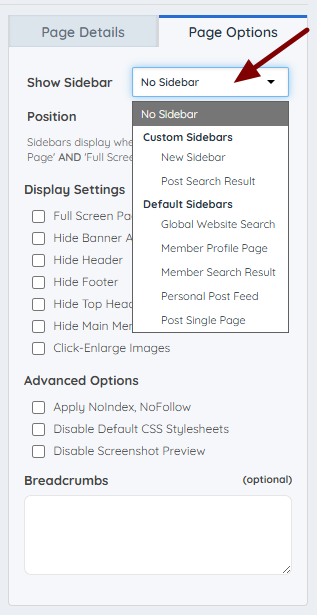
1. Show Sidebar - Select which sidebar this page will use:
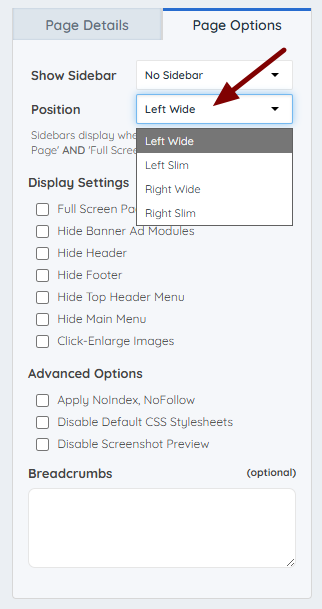
2. Sidebar Position - Determines which side of the page the sidebar appears on:
The Display Options tab also contains settings unrelated to sidebars, such as the breadcrumb trail and options to hide the header, footer, or banner ads.

This is how the page looks after saving the new sidebar display settings: