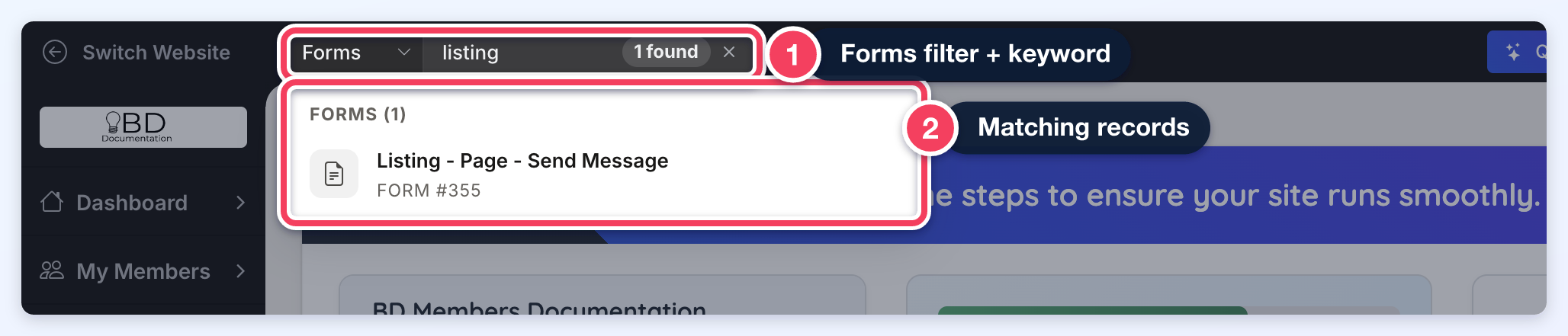
Admin Universal Search
Link: https://support.brilliantdirectories.com/support/solutions/articles/12000105576
The Universal Search allows admins to search across the entire website directly from the admin header. The search sits at the top left of every admin page, beside Switch Website: a filter menu (set to All by default) followed by the Search Website... box. Results are filtered based on each admin’s role permissions, ensuring access is limited to authorized data only.
A built-in search cache improves speed and performance by storing recent queries per admin and website. Future updates may include a searchable history of recent admin searches for added convenience.

How to Search
- Optionally, choose a content type from the filter menu at the left of the search box (leave it on All to search everything).
- Click the Search Website... box and type at least two characters. Matching records appear in a panel below the box, grouped by content type, with a count of how many were found.
- Click a result to open that record.
Universal Search Filters
The Universal Search is designed to locate specific records quickly, even on websites with a large amount of content. Filters are available to narrow searches to specific areas of the website, helping admins find exactly what is needed without sifting through unrelated results.
Selecting a filter before entering a keyword focuses the search on that content type only, which can make the process faster and more precise.
Available filters include:
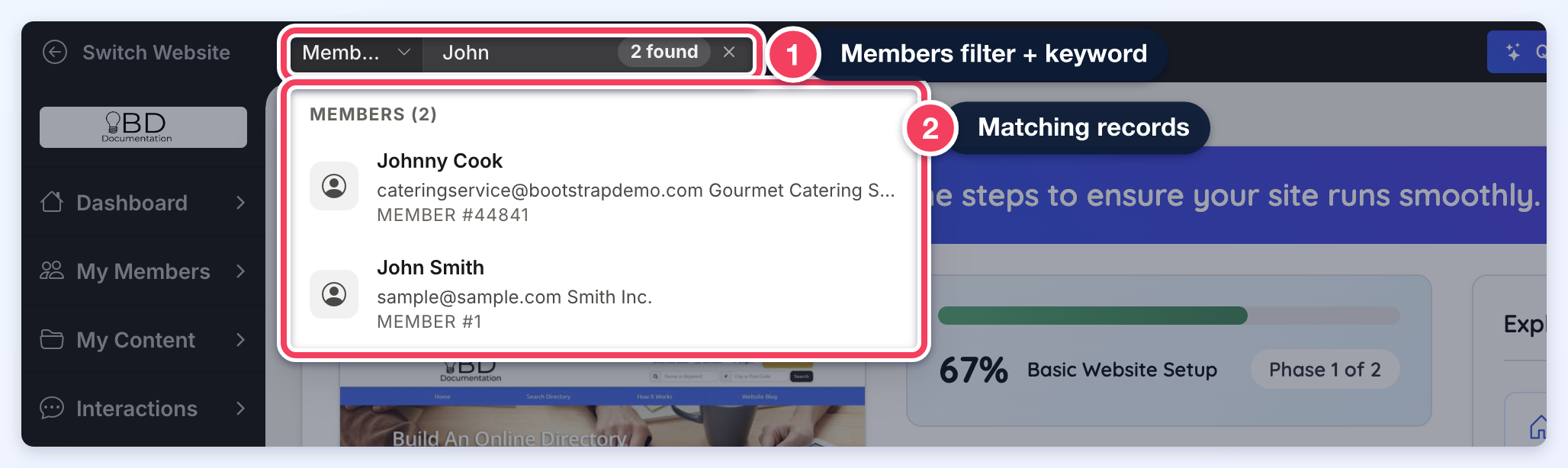
- Members
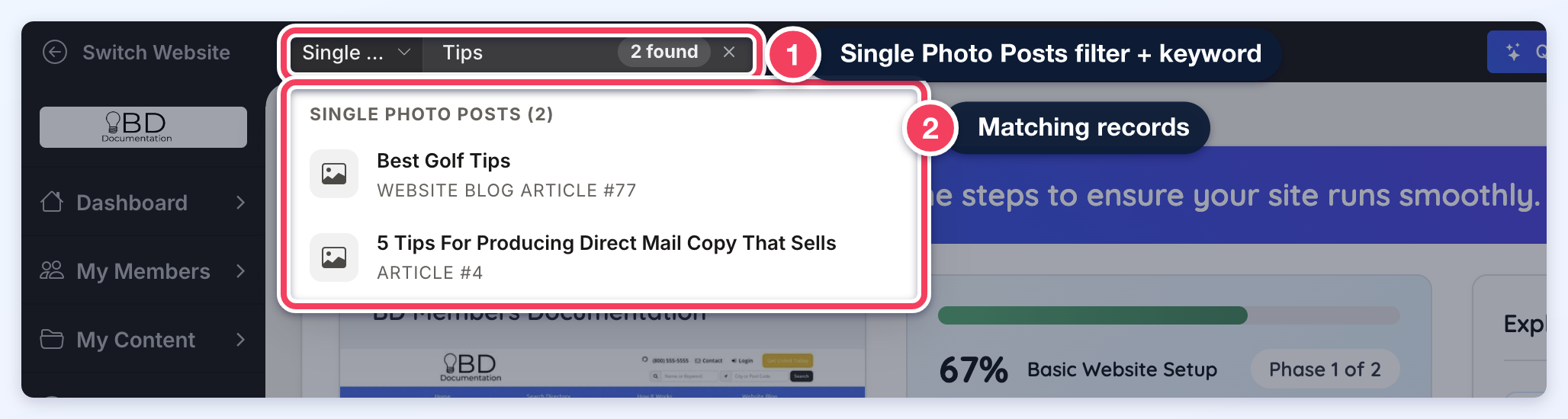
- Single Photo Posts
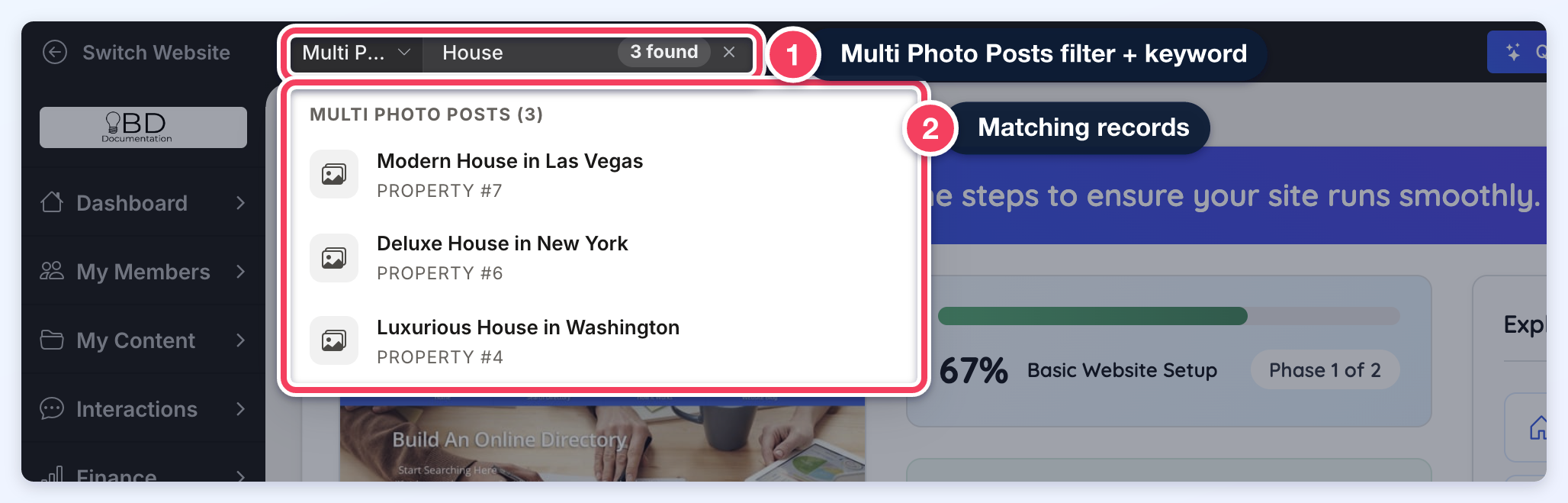
- Multi Photo Posts
- Reviews
- Leads
- Form Inquiries
- Membership Plans
- Widgets
- Sidebars
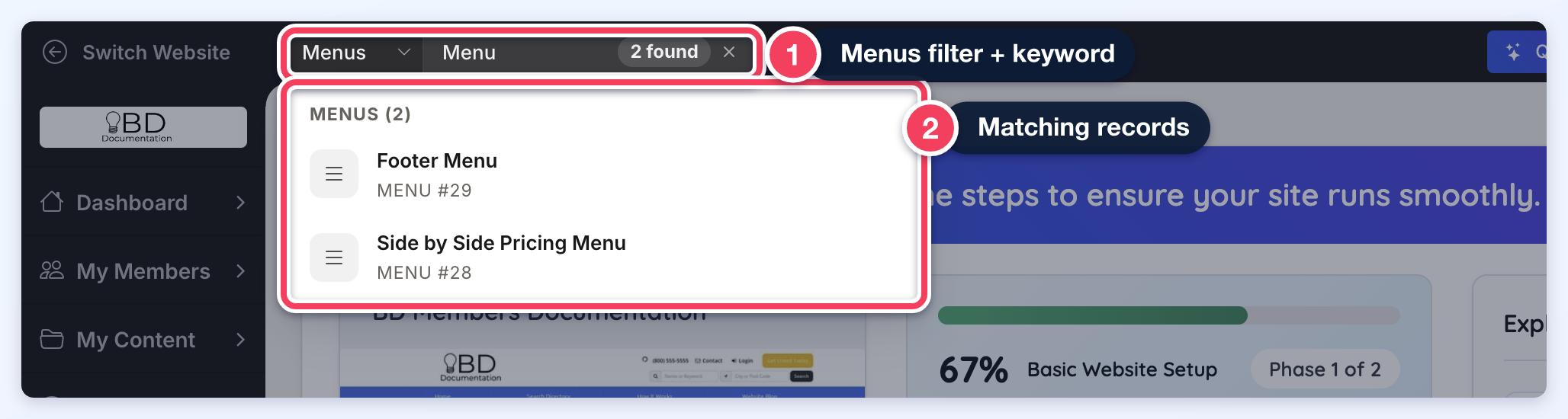
- Menus
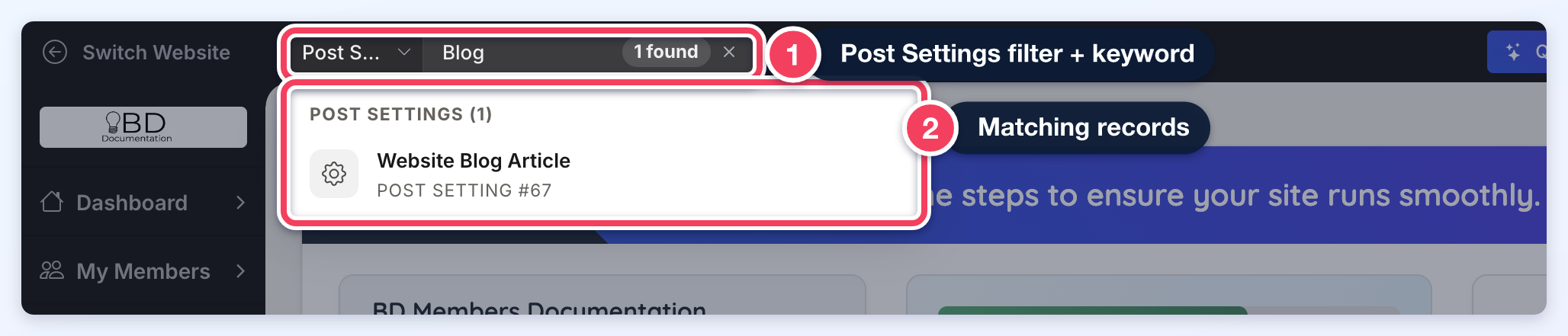
- Post Settings
- Forms
There is a limit of 10 results per table.
Members
Locate member profiles by name or email.
Single Photo Posts
Find posts that feature a single image.
Multi Photo Posts
Search posts containing multiple images, like event galleries or product showcases.
Reviews
Access customer or member reviews quickly by keyword.
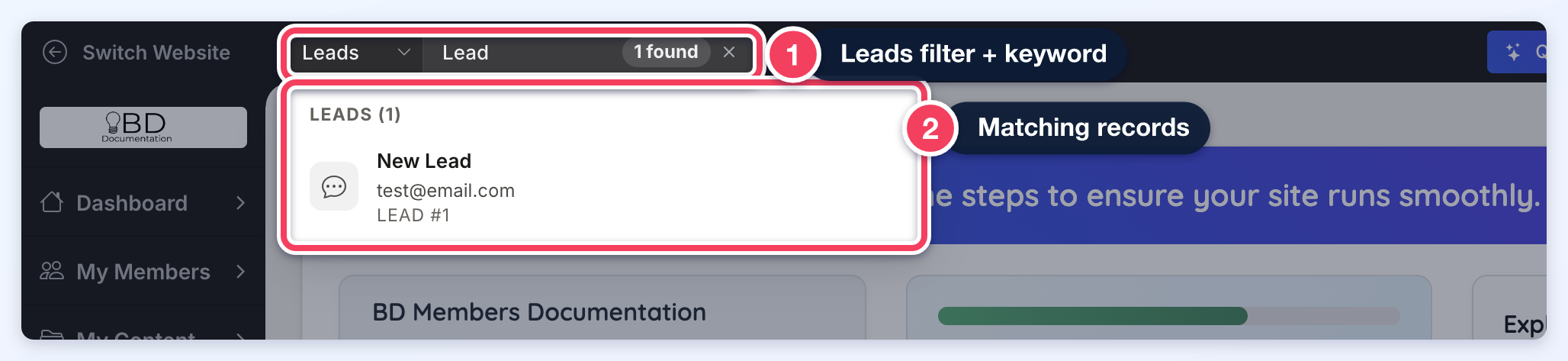
Leads
Retrieve lead submissions to track inquiries and follow-ups.
Form Inquiries
Search messages submitted through contact or custom forms.
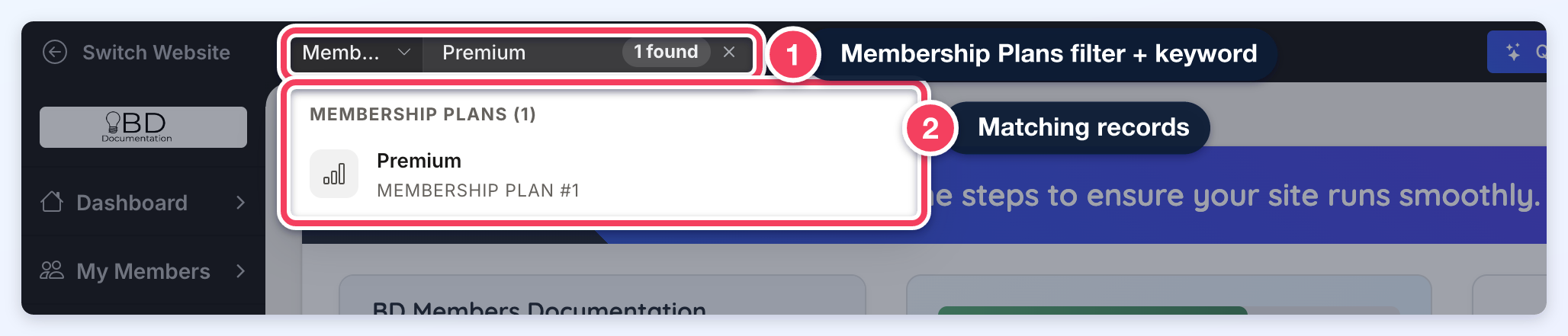
Membership Plans
Locate and manage membership plan settings and details.
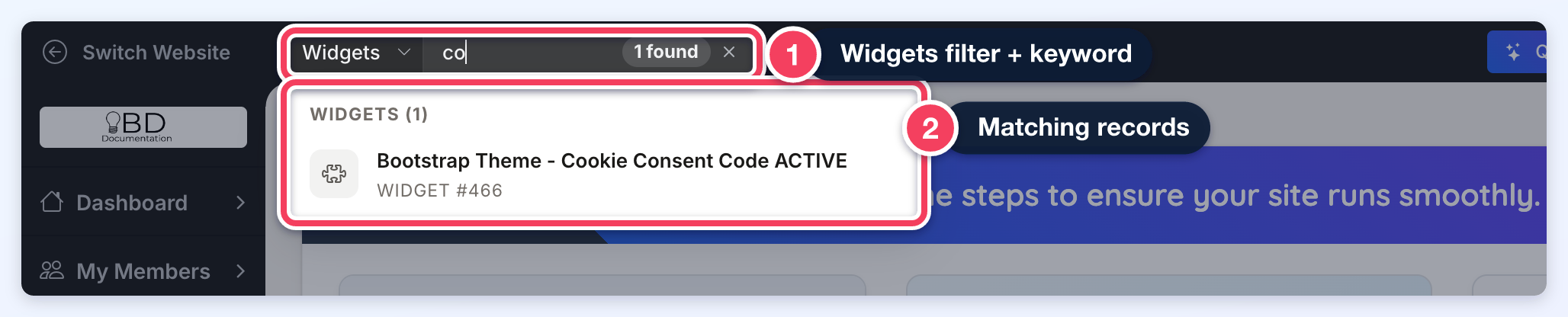
Widgets
Find the custom widgets saved on the site.
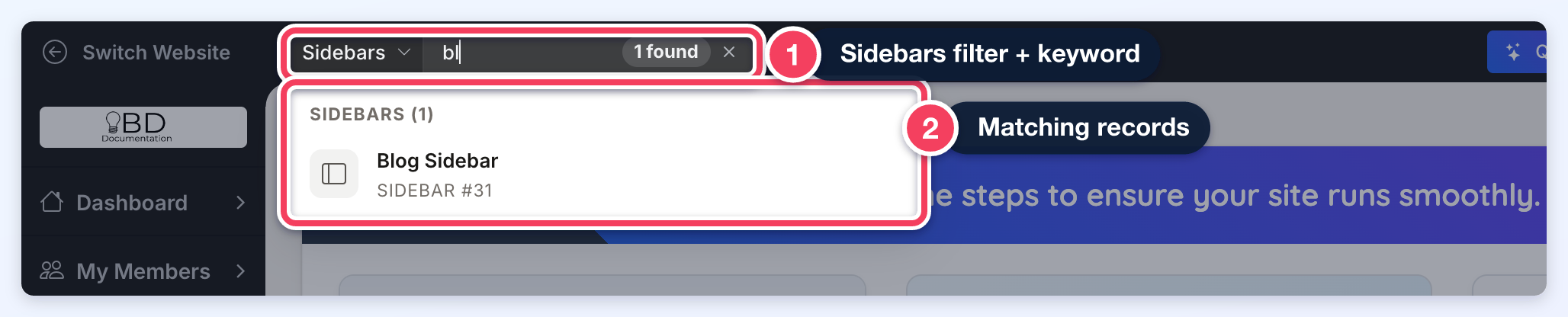
Sidebars
Identify and edit sidebars assigned to various pages.
Menus
Search for navigation menus to update links and structure.
Post Settings
Access and adjust configuration options for posts of all types.
Forms
Locate forms used for signups, submissions, or other interactions.