
Widgets API - How to edit widgets data with API Calls
Link: https://support.brilliantdirectories.com/support/solutions/articles/12000103396
The API allows getting, creating, updating, deleting, rendering, and posting widgets on the website. However, only one widget can be updated at a time.
Available API Endpoints
Below is a list of the available endpoints for Widgets:
https://example.com/api/v2/data_widgets/get/{id}
https://example.com/api/v2/data_widgets/create
https://example.com/api/v2/data_widgets/update
https://example.com/api/v2/data_widgets/delete
https://example.com/api/v2/data_widgets/render
Using the API, the following actions can be performed:
Get a Widget
Read the data of a single widget based on the widget_id.
The Default widgets included in a /get list response are limited to those supported by the current version of the software. Default widgets that belong only to legacy versions are no longer included, so API responses may contain fewer widgets than in previous versions. This is expected and does not affect the Widget Manager or any existing website.
Widgets that support the current version along with older versions are still returned.
The filter checks whether the current version is included in the widget's supported versions, not whether it is the only supported version. Customized widgets are also returned regardless of the versions they list, and reading a single widget by its widget_id is not filtered.
Endpoint:
GET https://example.com/api/v2/data_widgets/get/{id}

curl -H "Authorization: YOUR_API_KEY" \
  "https://example.com/api/v2/data_widgets/get/{id}"
Example Request:
GET https://example.com/api/v2/data_widgets/get/?property=widget_id&property_value=29
Query Parameters:
| property | The property key (eg., widget_id). |
| property_value | The value associated with the property. |
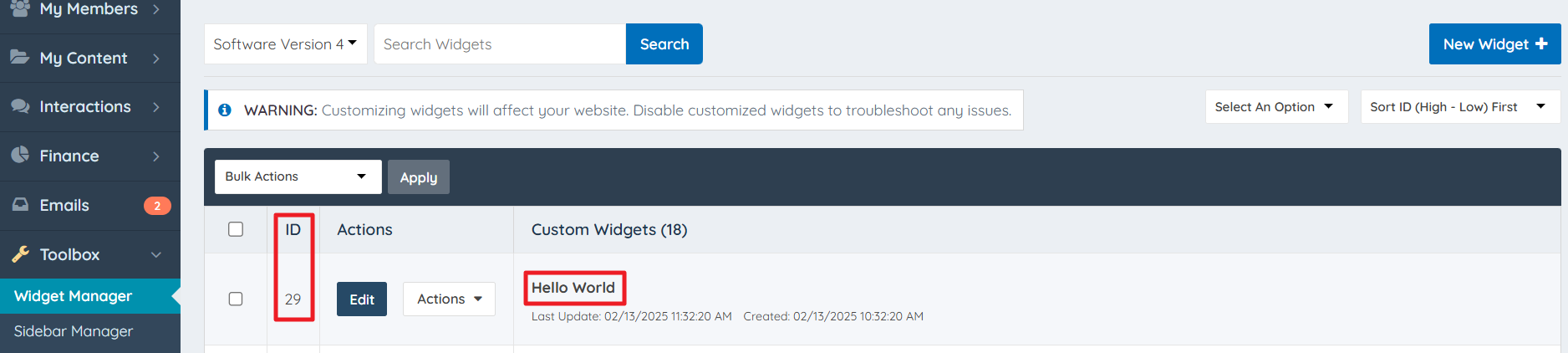
Example Response:
{
    "status": "success",
    "message": [
        {
            "widget_id": "29",
            "widget_name": "Hello World",
            "widget_data": "<p class=\"hello\"><?php echo \"hello world\";?></p>",
            "widget_style": ".hello{color:green}",
            "date_updated": "2025-02-13 10:32:20",
            "revision_timestamp": "2025-02-13 11:32:20",
            "widget_javascript": "<script>alert(hello world\");</script>",
        }
    ],
    "total": "1",
    "current_page": 1,
    "total_pages": 1
}
Create a Widget
Add a new widget to the database.
Parameter Notes: The widget_id will be assigned by the system.
Endpoint:
POST https://example.com/api/v2/data_widgets/create

curl -H "Authorization: YOUR_API_KEY" \
  "https://example.com/api/v2/data_widgets/create"
Example Request:
{
  "widget_name": "Hello World",
  "widget_data": "<p class="hello"><?php echo "hello world";?></p>",
  "widget_style": ".hello{color:red}",
  "widget_javascript": "<script>alert(hello world");</script>"
}
Query Parameters:
| widget_name | The name of the widget. |
| widget_data | HTML + PHP. |
| widget_style | CSS. |
| widget_javascript | JS. |
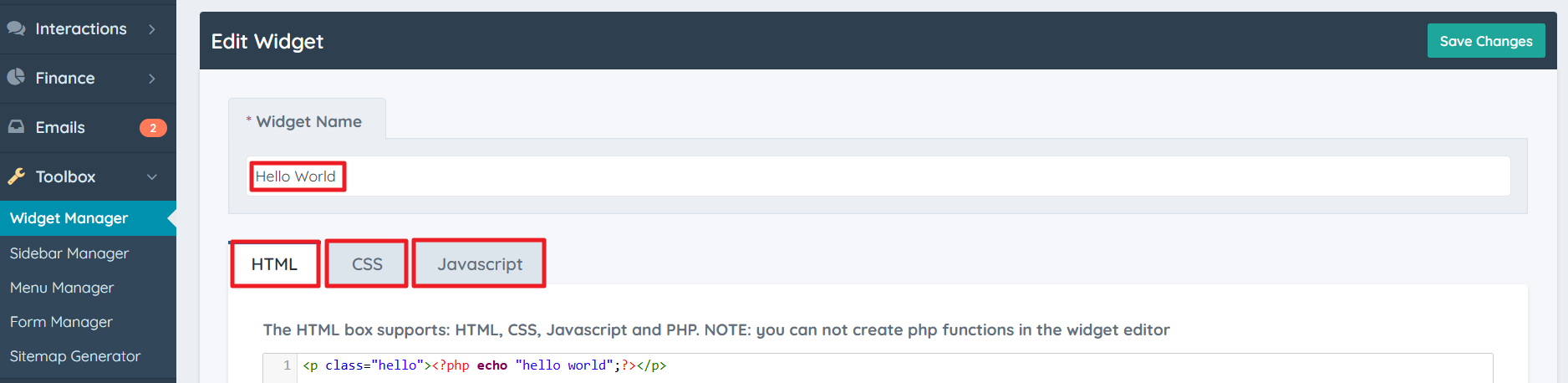
Example Response:
{
    "status": "success",
    "message": {
        "widget_id": "28",
        "widget_name": "Hello World",
        "widget_data": "<p class=\\\"hello\\\"><?php echo \\\"hello world\\\";?></p>",
        "widget_style": ".hello{color:red}",
        "date_updated": "2025-02-13 10:11:19",
        "widget_javascript": "<script>alert(hello world\");</script>",
    }
}
Update a Widget
Update a widget record and their related data from the database.
Parameter Notes: Use widget_id or widget_name.
Endpoint:
PUT https://example.com/api/v2/data_widgets/update

curl -H "Authorization: YOUR_API_KEY" \
  "https://example.com/api/v2/data_widgets/update"
Example Request:
{
  "widget_id": 28,
  "widget_name": "Hello Amazing World",
  "widget_data": "<p class="hello"><?php echo "hello world";?></p>",
  "widget_style": ".hello{color:green}",
  "widget_javascript": "<script>alert(hello world");</script>"
}
Query Parameters:
| widget_id | The ID of the widget. |
| widget_name | The name of the widget. |
| widget_data | HTML + PHP. |
| widget_style | CSS. |
| widget_javascript | JS. |
Example Response:
{
    "status": "success",
    "message": {
        "widget_id": "28",
        "widget_name": "Hello Amazing World ",
        "widget_data": "<p class=\"hello\"><?php echo \"hello world\";?></p>",
        "widget_style": ".hello{color:green}",
        "date_updated": "2025-02-13 10:11:19",
        "revision_timestamp": "2025-02-13 11:11:19",
        "widget_html_element": "",
        "widget_javascript": "<script>alert(hello world\");</script>",
    }
}
Delete a Widget
Delete a widget and their related data from the database.
Parameter Notes: Use widget_id or widget_name.
Endpoint:
DELETE https://example.com/api/v2/data_widgets/delete

curl -H "Authorization: YOUR_API_KEY" \
  "https://example.com/api/v2/data_widgets/delete"
Example Request:
{
  "widget_id": 28
}
Query Parameters:
| widget_id | The ID of the widget. |
| widget_name | The name of the widget. |
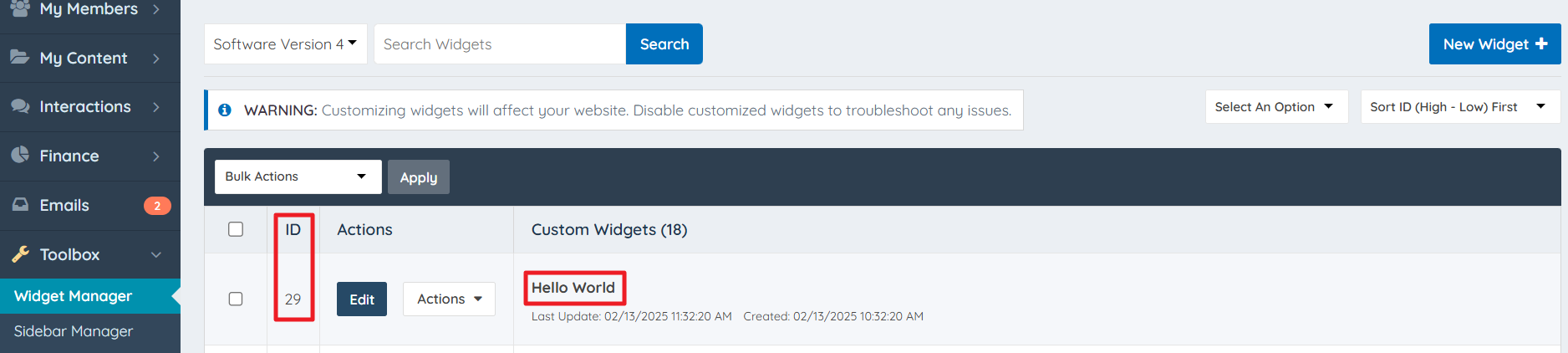
Example Response:
{
    "status": "success",
    "message": "data_widgets record was deleted"
}
Render a Widget
Render widget content of specific widget.
Parameter Notes: Use widget_id or widget_name. The widget needs to be customized to get the widget output.
Endpoint:
POST https://example.com/api/v2/data_widgets/render

curl -H "Authorization: YOUR_API_KEY" \
  "https://example.com/api/v2/data_widgets/render"
Example Request:
{
  "widget_id": 31,
  "widget_name": "Bootstrap Theme - Homepage Search - Yellow Pages Search"
}
Query Parameters:
| widget_id | The ID of the widget. |
| widget_name | The name of the widget. |
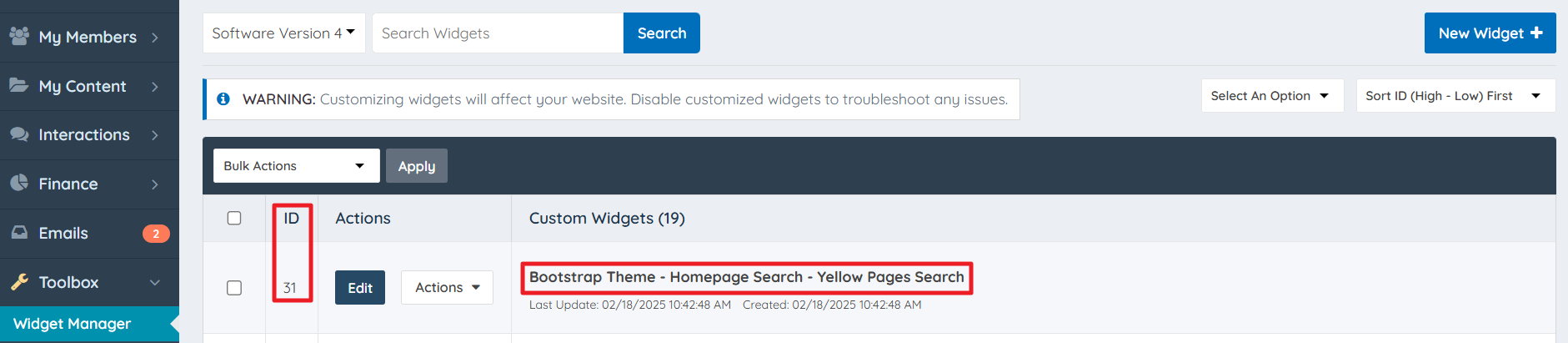
Example Response:
{
    "name": "Bootstrap Theme - Homepage Search - Yellow Pages Search",
    "output": "    <div class=\"col-xs-12 col-sm-12 col-md-6 search_box fpad img-rounded center-block\">\r\n                <div class=\"clearfix\"></div>\r\n        <form class=\"fpad form-horizontal website-search\" name=\"frm1\" action=\"/search_results\">\r\n\t\t\t            <div class=\"form-group nomargin hidden-sm hidden-xs col-lg-5\">\r\n                <label>What do you need:</label>\r\n            </div>\r\n\t\t\t            <div class=\"input-group input-group-lg bmargin col-lg-7 large-autosuggest\">\r\n                <span class=\"input-group-addon\">\r\n                    <i class=\"fa fa-fw fa-search\"></i>\r\n                </span>\r\n                <input type=\"text\" class=\"member_search form-control input-lg large-autosuggest-input\" name=\"q\"     id=\"keywordSuggest\" value=\"\" placeholder=\"Name or Keyword\">\r\n            </div>\r\n            <div class=\"clearfix\"></div>\r\n\t\t\t            <div class=\"form-group nomargin hidden-sm hidden-xs col-lg-5\">\r\n                <label>\r\n                    Search by location:\r\n                </label>\r\n            </div>\r\n\t\t\t            <div class=\"input-group input-group-lg bmargin col-lg-7\">\r\n                <span class=\"input-group-addon\">\r\n                    <i class=\"fa fa-fw fa-location-arrow\"></i>\r\n                </span>\r\n                <input type=\"text\" class=\"googleSuggest googleLocation form-control input-lg\" name=\"location_value\" id=\"location_google_maps_homepage\" value=\"\" placeholder=\"City or Post Code\" autocomplete=\"off\">\r\n            </div>\r\n            <div class=\"col-lg-offset-5 col-lg-7 nopad\">\r\n                <button type=\"submit\" class=\"btn-block btn btn-lg btn_home_search\">Search Now</button>\r\n            </div>\r\n            <div class=\"clearfix\"></div>\r\n        </form>\r\n        <div class=\"clearfix\"></div>\r\n    </div>\r\n"
}