
How to Export/Import Text Labels via Database
Link: https://support.brilliantdirectories.com/support/solutions/articles/12000089230
This article covers how to import and export text labels from one site to another using the database. This can be a good workaround for site owners with multiple sites in different languages, where all translated text labels can be transferred from one site to another.
1) How to Export Text Labels
To accomplish this, navigate to Developer Hub >> MySQL Database:
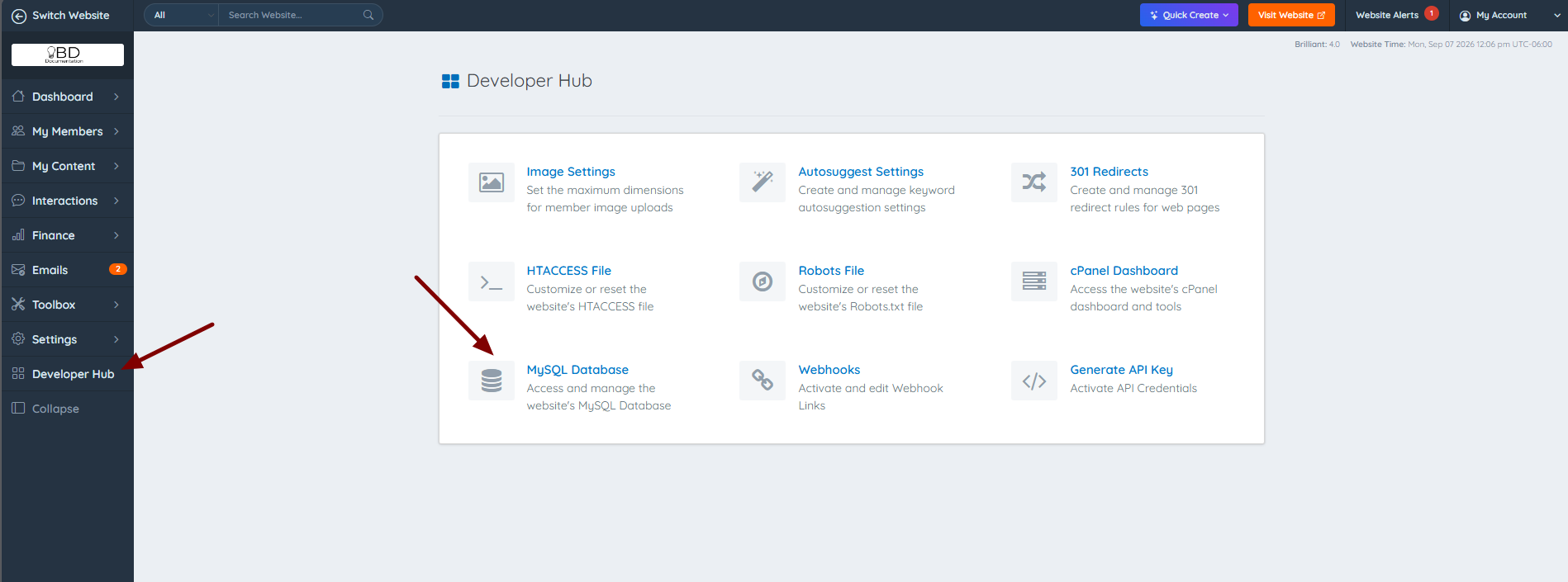
Click on the _directory database:
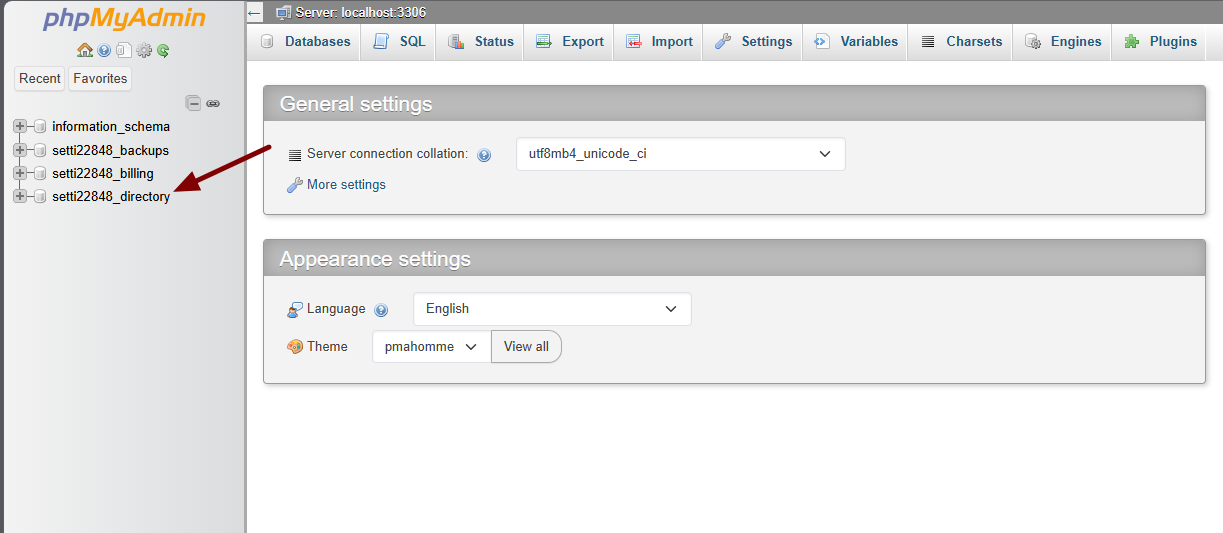
Search for the table website_labels and click on it:

Click on the Export navigation link:

Choose the Custom option:

Name the file and choose the gzipped Compression option:

Select the Add Drop Table / Trigger statement option:

Clicking on Go downloads the file:

2) How to Import Text Labels
Now that the export file is ready and downloaded, the next step is to navigate to a different site where these text labels will be imported.
To accomplish this, navigate to Developer Hub >> MySQL Database:

Click on the _directory database:

Click on the Import navigation link:

Choose the correct exported file and click on Go:

There will be an indication that the queries were executed correctly:

