
How to Access MySQL Database
Link: https://support.brilliantdirectories.com/support/solutions/articles/12000082920
How to Access the MySQL Database
This article explains how to access the MySQL database through the Developer Hub and identifies the primary table used to store member information.
Important
Changes made directly to the database are permanent in most cases. Before executing any SQL statement, create a complete database backup and verify that the query targets the intended records.
Access the Database
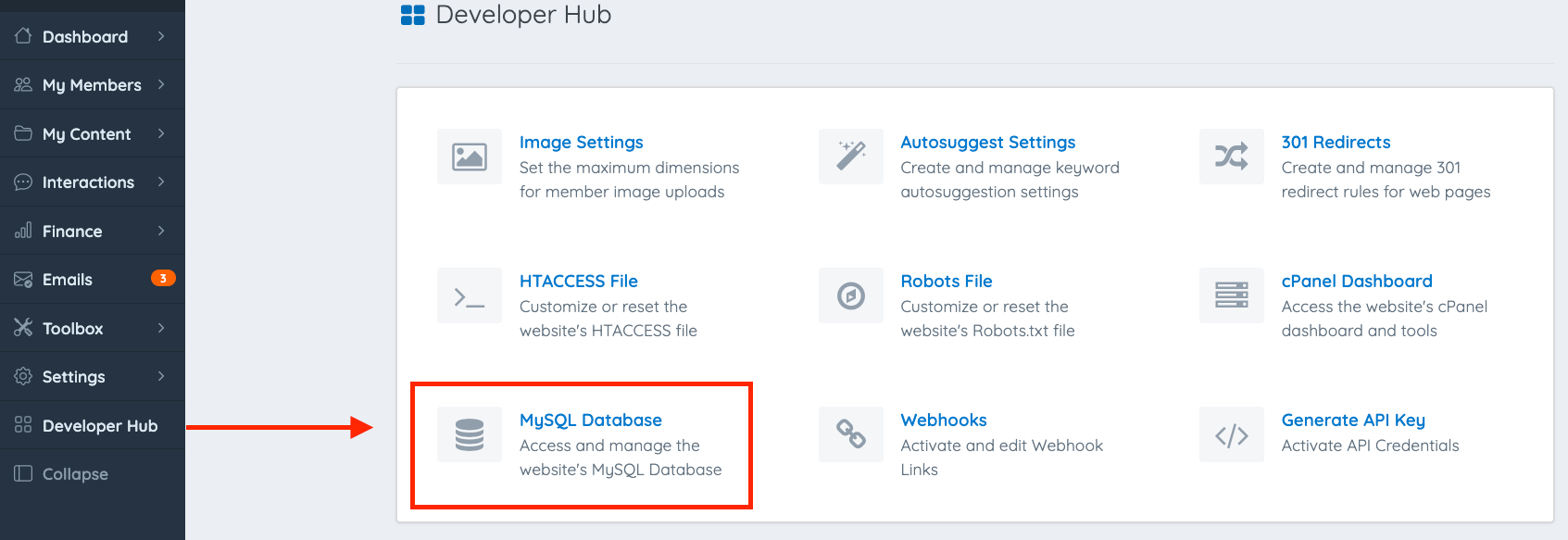
Navigate to Developer Hub.
Select MySQL Database Manager.
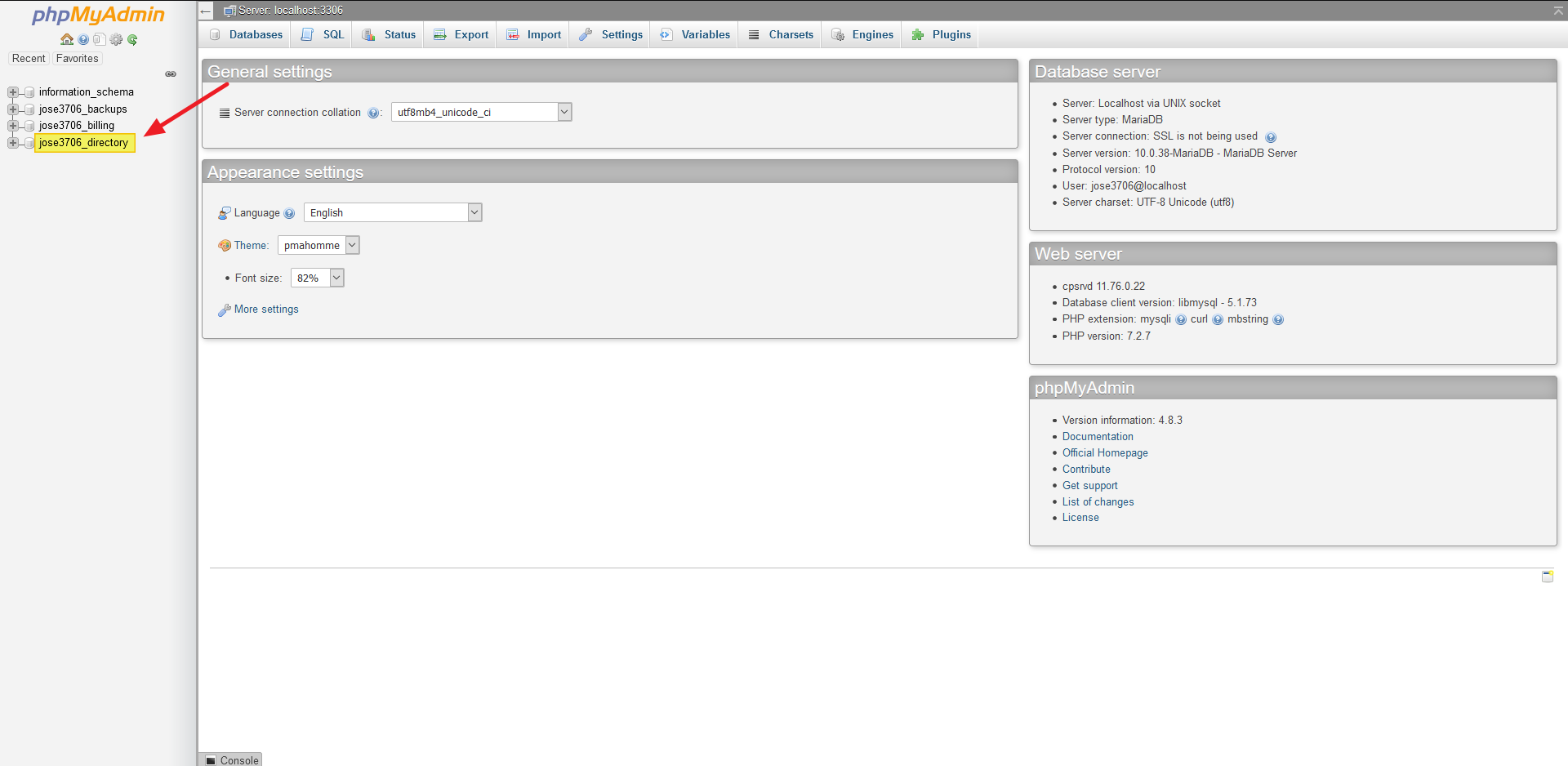
Select the site_directory database from the left navigation panel.
Locate the list of database tables and select the users_data table.
The users_data table stores the primary member records, including account information, profile details, and membership settings.
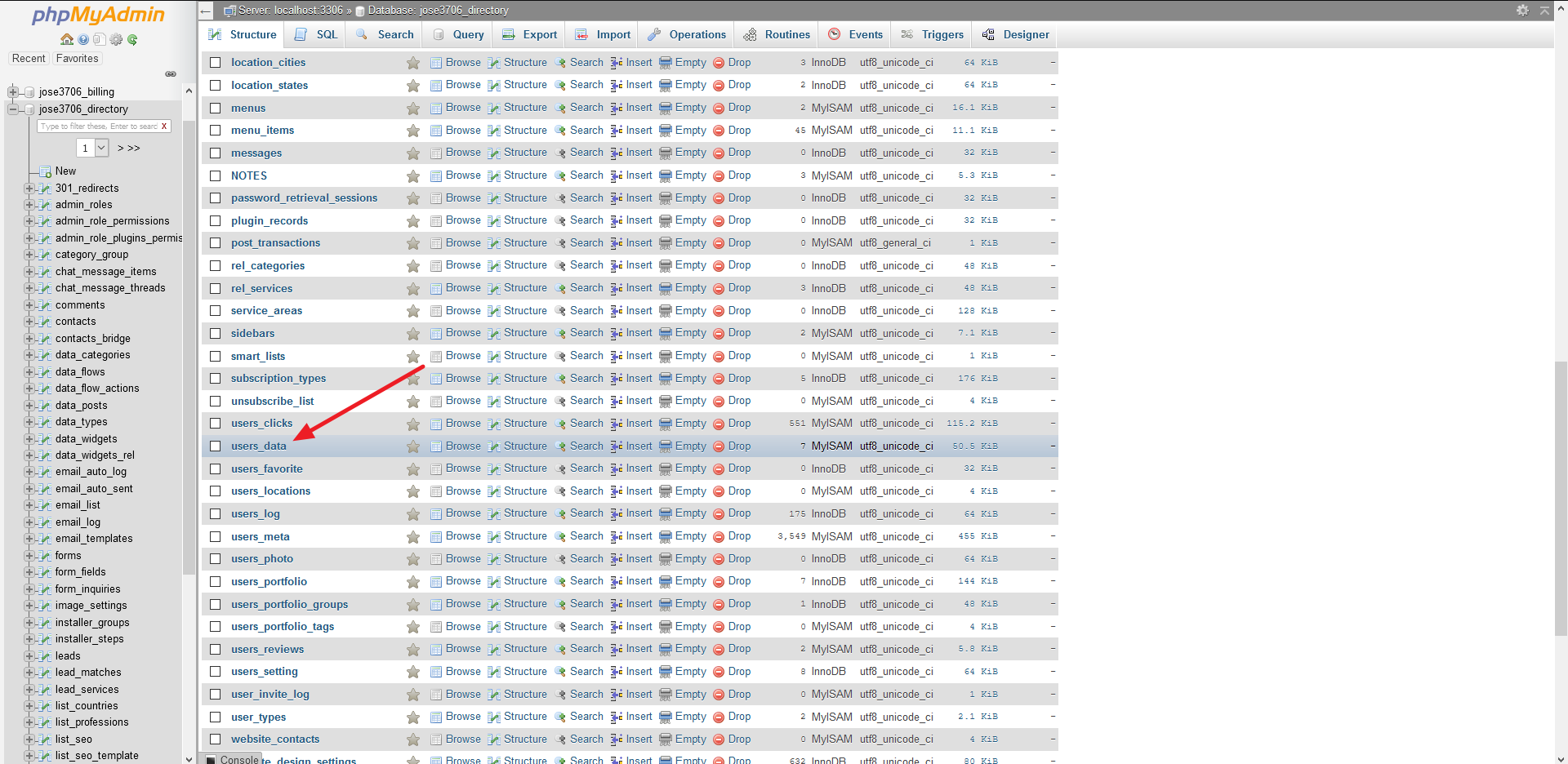
Once the users_data table is selected, the database is ready for browsing records or executing SQL queries using the available database management tools.
