
Smart List & Export Functionality for Member Reviews
Link: https://support.brilliantdirectories.com/support/solutions/articles/12000079365
Overview
The Member Reviews page includes tools for exporting reviews and creating Smart Lists based on the current search results.
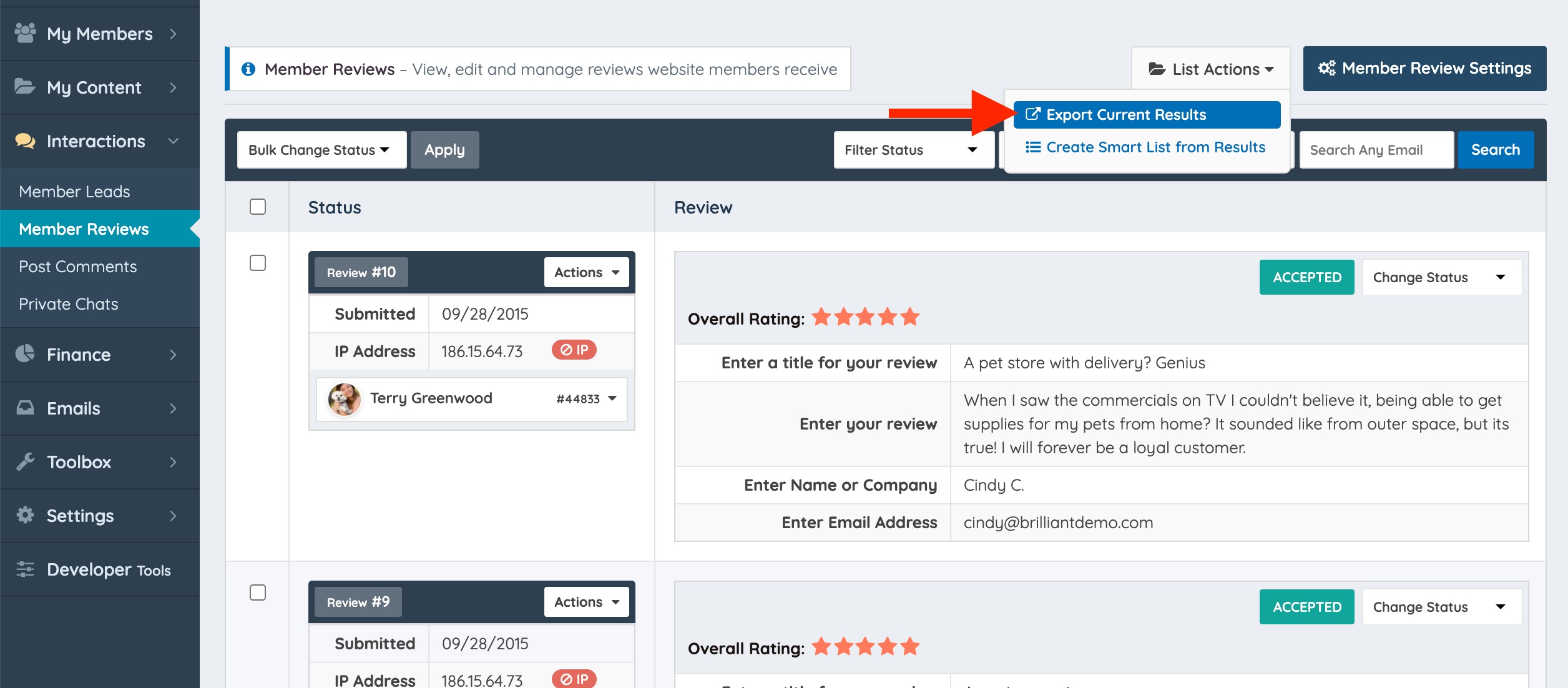
To access these options, navigate to Interactions → Member Reviews. Then, open the List Actions menu and choose one of the available actions.

Export Reviews
Select Export Current Results from the List Actions menu to download all reviews that match the current filters.


The exported file is downloaded as a ZIP archive containing a CSV file with the review data.

Note: Exporting member reviews requires the Export Member Data feature. If the feature is not installed, the export option will not be available.
Extract the ZIP file to access the exported reviews in CSV format.

Creating a Smart List
Select the "Create Smart List from Results" option from the drop-down:


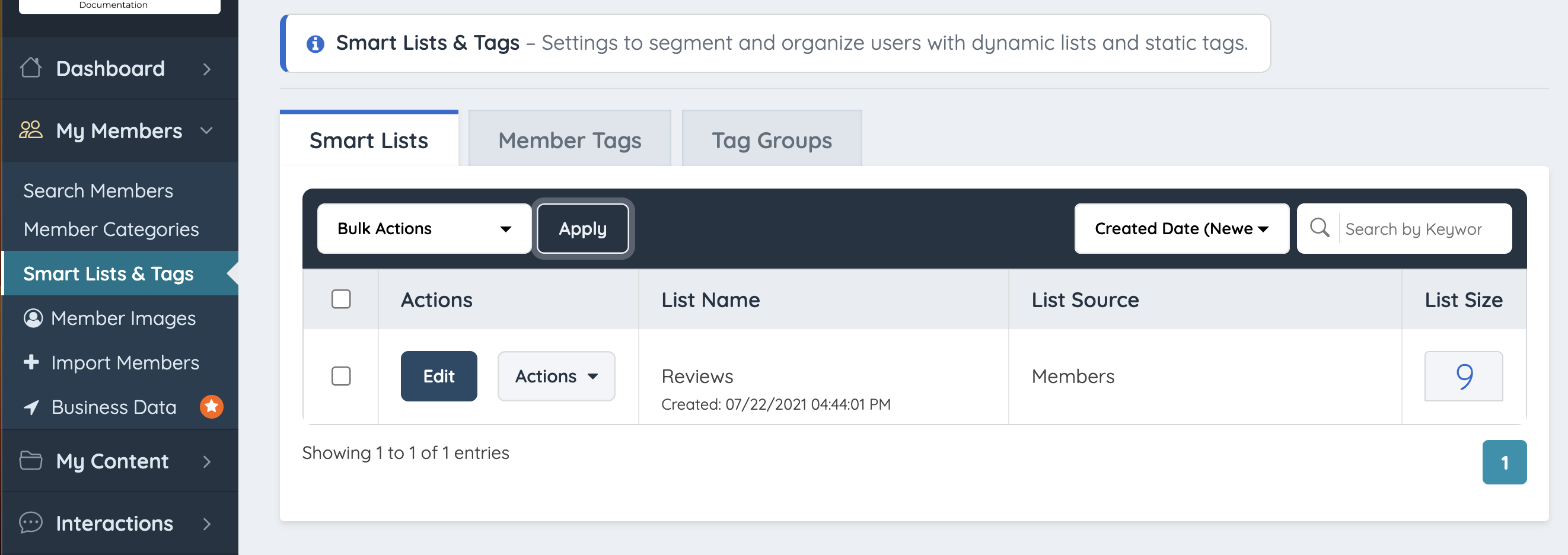
After the Smart List has been created, select Go To Reviews Smart List to view and manage it.

Related Articles:
