Create Lead Magnet Landing Page
Link: https://support.brilliantdirectories.com/support/solutions/articles/12000076565
Lead magnets are a great way to collect email addresses and other contact information from potential customers in exchange for a free resource, such as an eBook, checklist, guide, or PDF download.
In this example, we'll create a simple lead magnet funnel where visitors submit their email address through a form and are then redirected to a page where they can download a free resource.

On the Download Page there is going to be a button to download the Free Resource provided as a pdf:
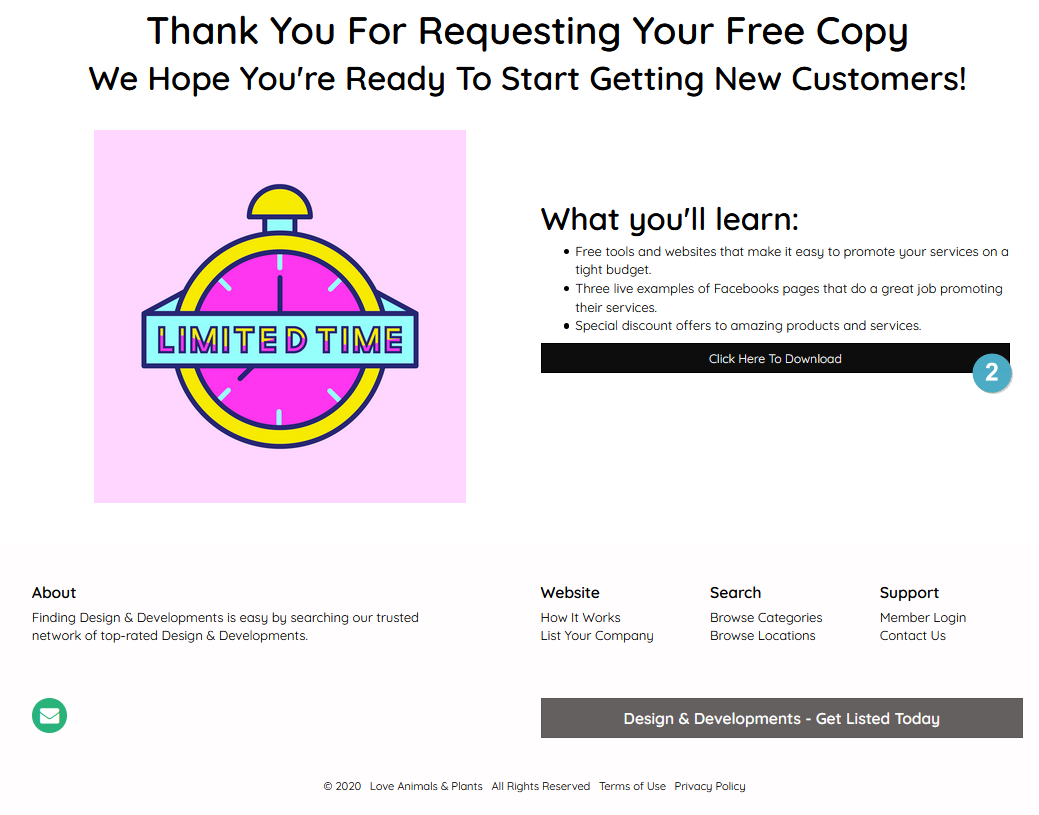
This tutorial covers the following steps:
- Upload the PDF resource.
- Create a download page.
- Create and configure a lead capture form.
- Create a success page and embed the form.
Upload PDF
Navigate to: My Content → Media Manager
Upload the PDF file that visitors will receive after submitting the form.
Create Download Page
Please see: How to Create a Download Link With a Button
Create a new webpage by navigating to:
Content → Web Page Builder → New Web Page
Configure the page:
- Page Name: Download Page
- URL: download-page
- Title: Enter your desired title
- Subtitle: Optional
Add any content you would like visitors to see before downloading the resource.
Example:

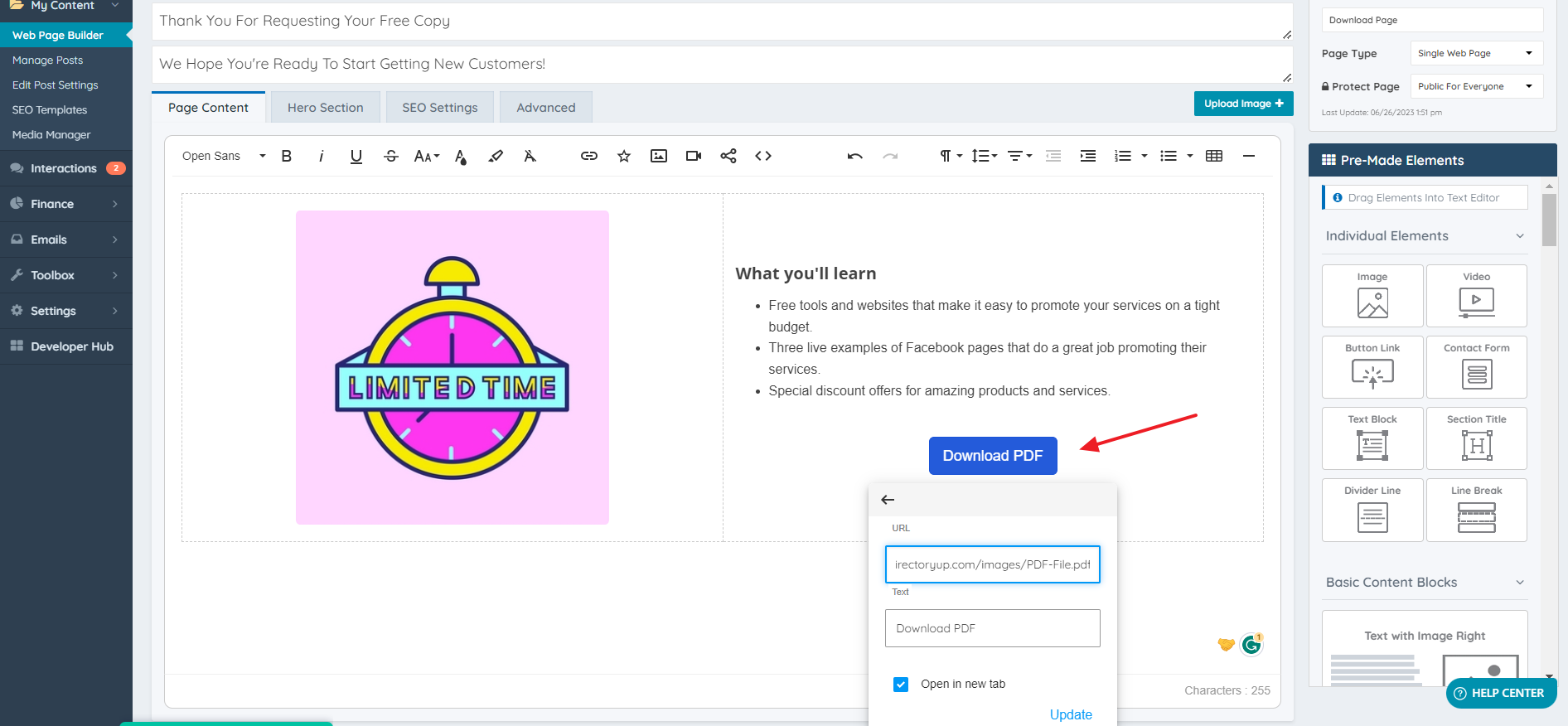
Add a button that links directly to the uploaded PDF file. When clicked, visitors will be able to download the resource.
Clone Contact Us Form
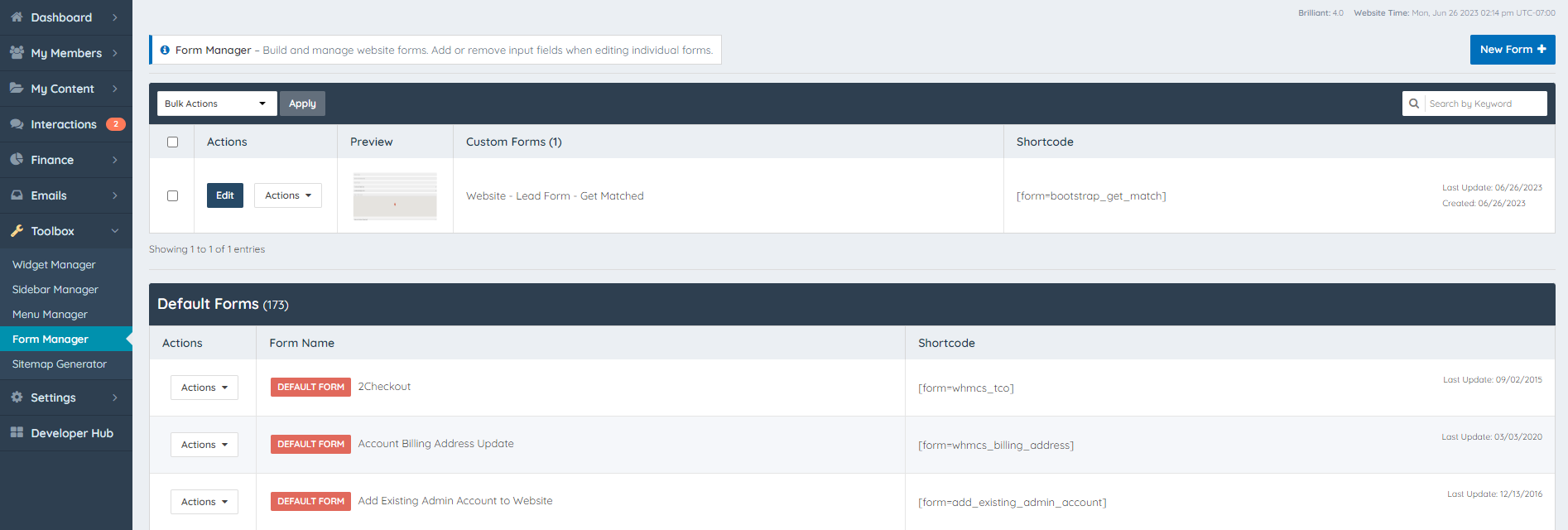
Clone the contact us form and remove the fields that are not necessary. In this example we are just going to use the email field and security fields.
Change the name of the submit button to: Gain Access To Our E-Book Now
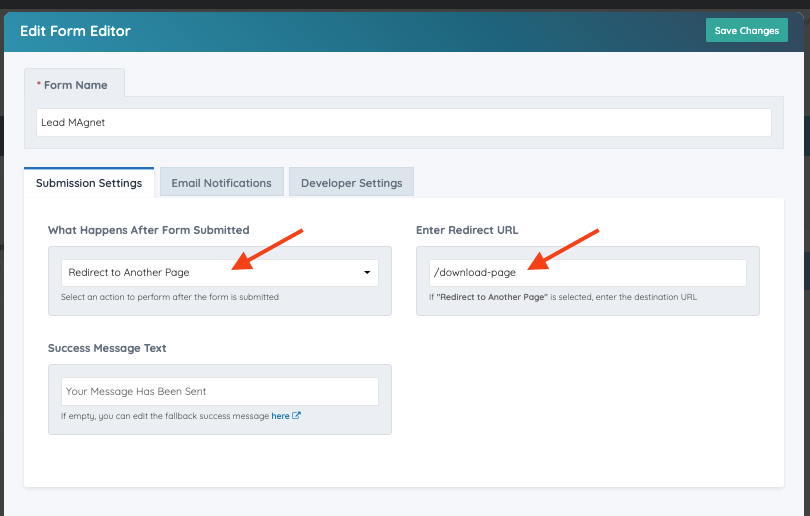
Once saving the form select: Select the option Redirect to Another Page in the What happens after form submitted drop down as shown below
Add the URL of the Download page, in this scenario it is: "/download-page".
Create Success Page
Go to Content >> Web Page Builder >> "Click on New Web Page +".
Add a name to the Page.
Add the URL of the page, for this example we are going to add: "success-page".
Add Title and Subtitle .
Design the Content Of the Page, see this example:
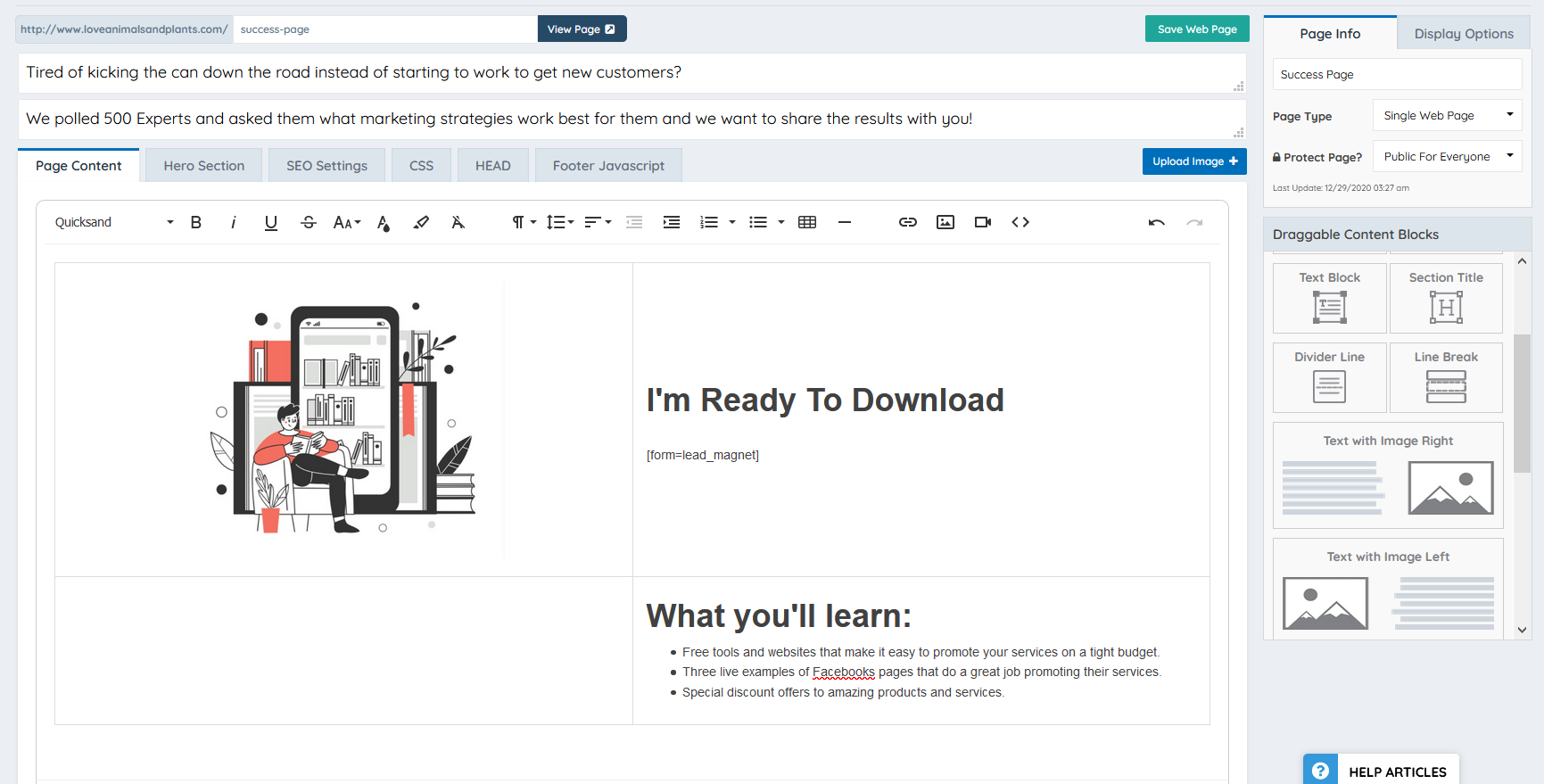
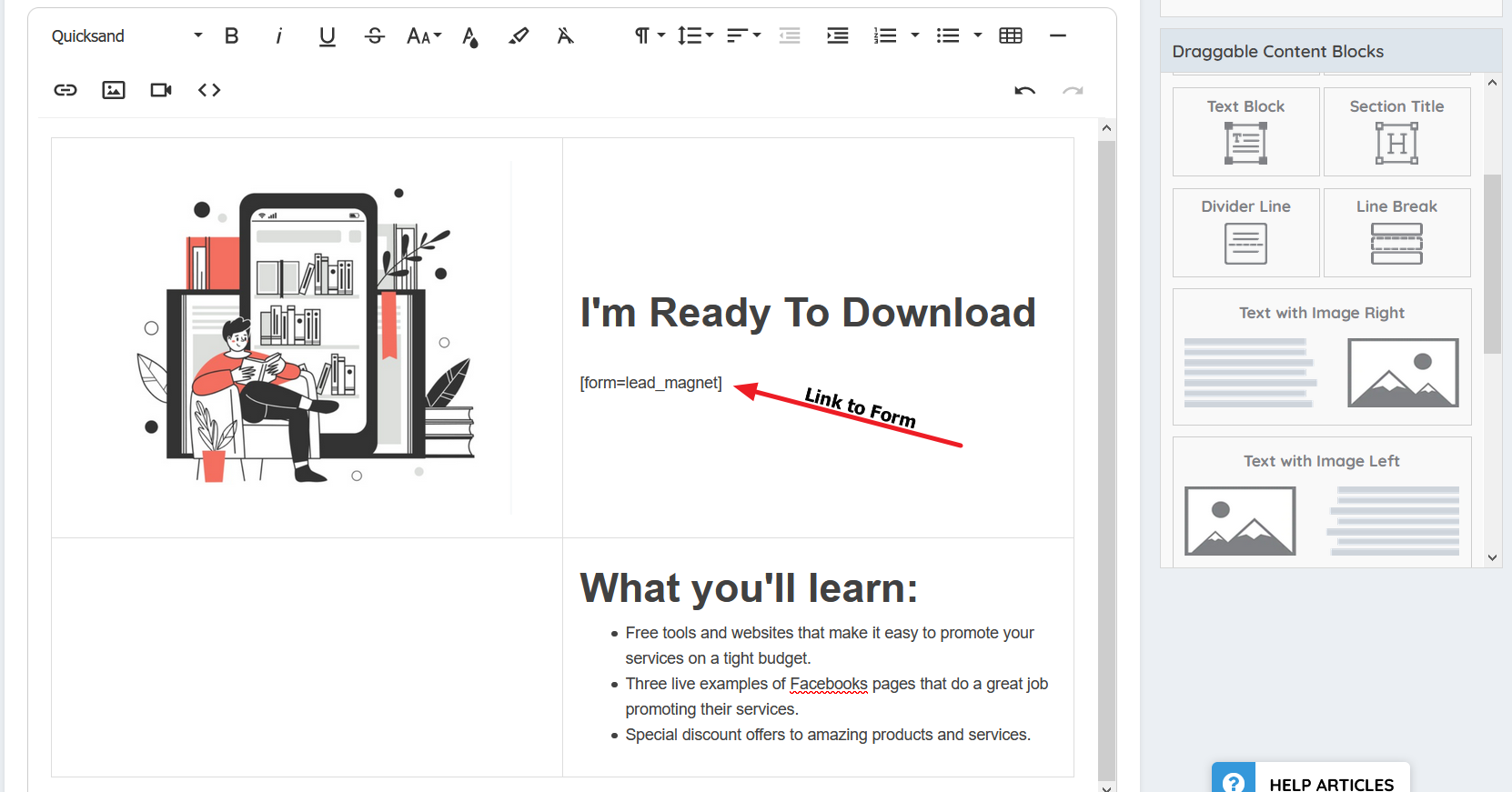
Make sure to add the link of the form so the form can be rendered on the page, this is how the system will track the email of the submitter:
[form=lead_magnet]