
Leads » Lead Emails
Link: https://support.brilliantdirectories.com/support/solutions/articles/12000067747
The Lead Module connects website visitors with website members. When a visitor submits a request to contact a member, the following email notifications and actions take place.
Emails Sent Out
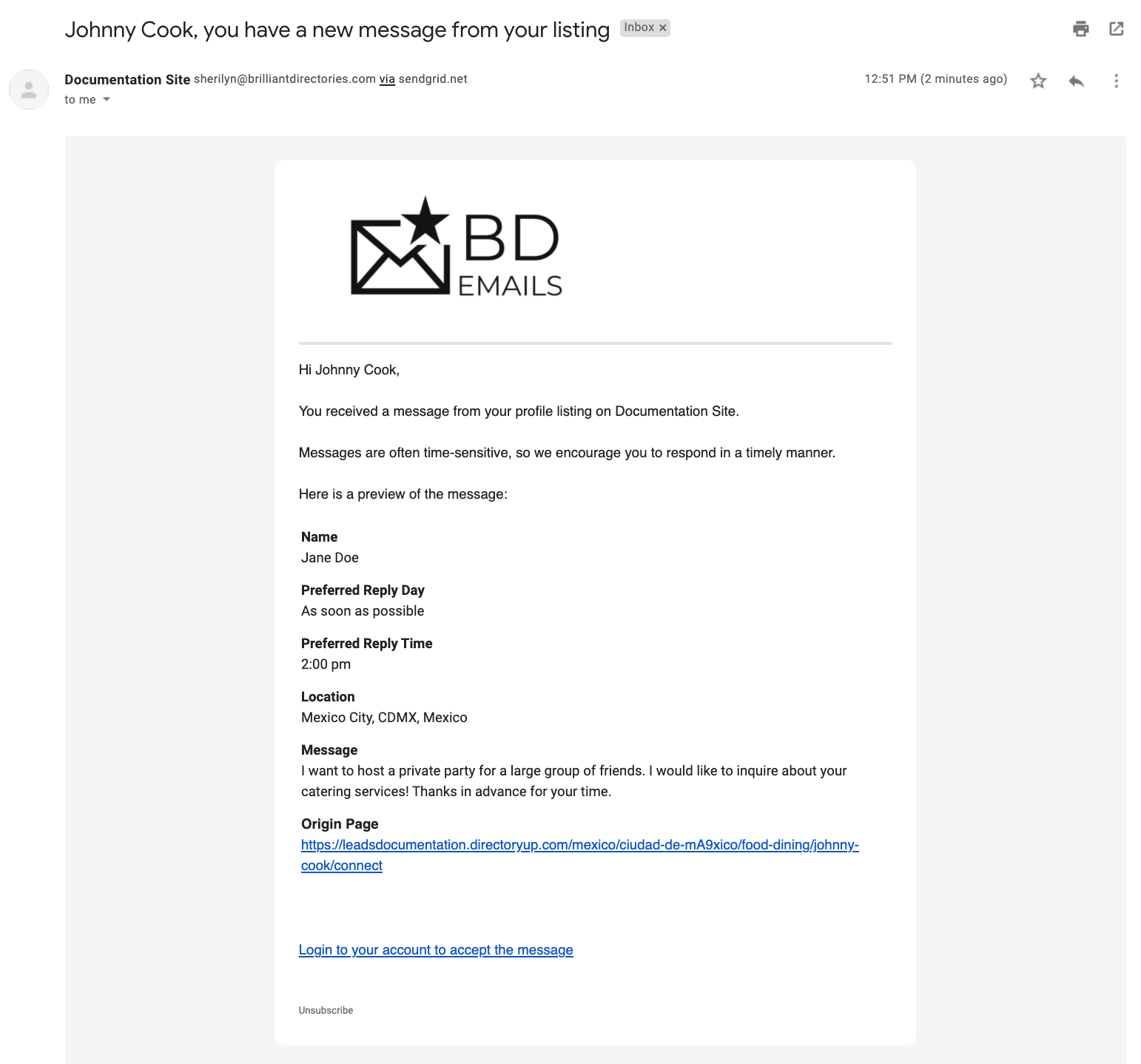
- Website Member Receives an email notification when a visitor submits a lead inquiry.
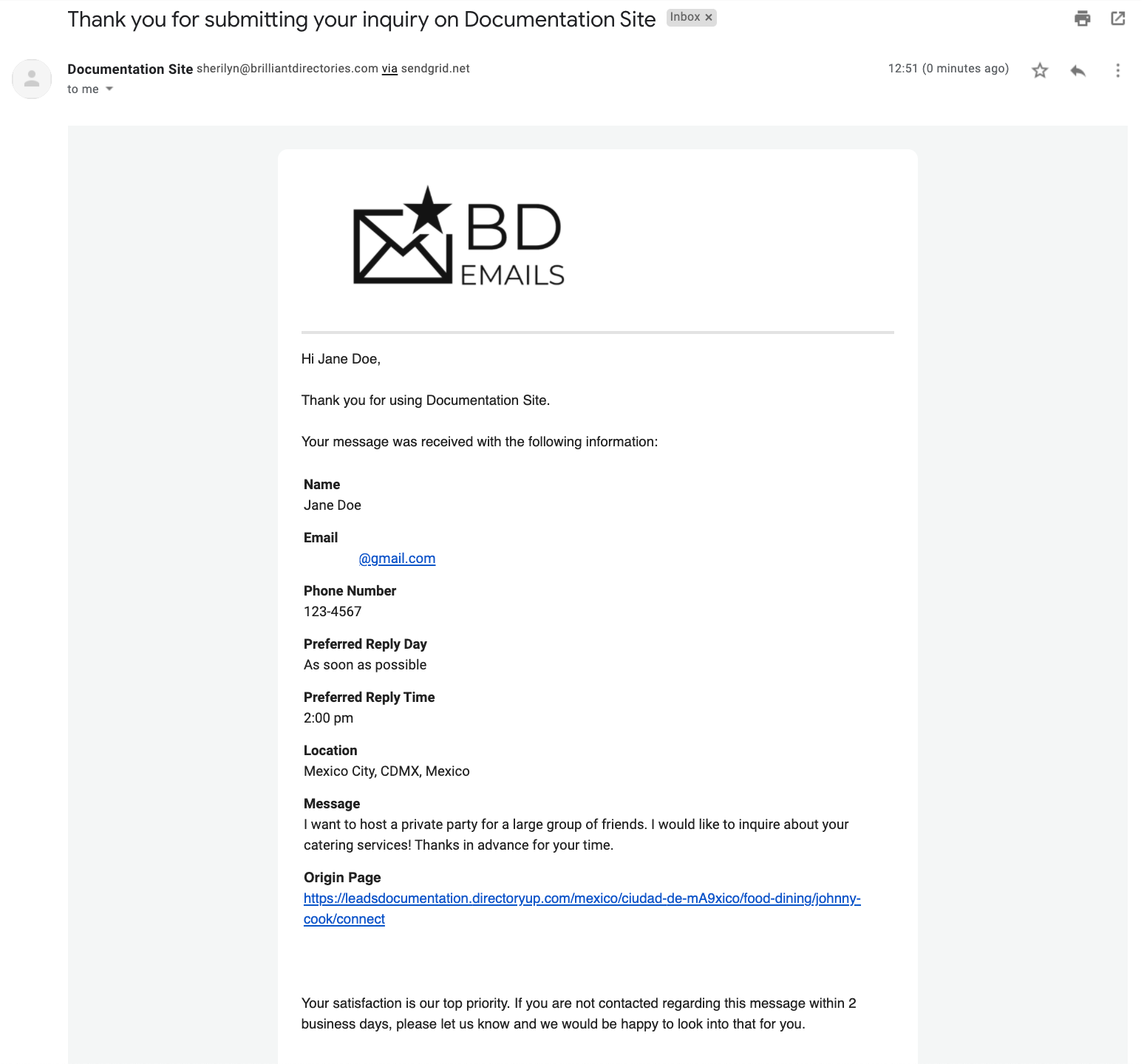
- Website Visitor Receives a confirmation email indicating that their request has been received and that they can expect a response from the business or professional shortly.
- The Directory admin Receives a notification email whenever a new lead is submitted through the website.
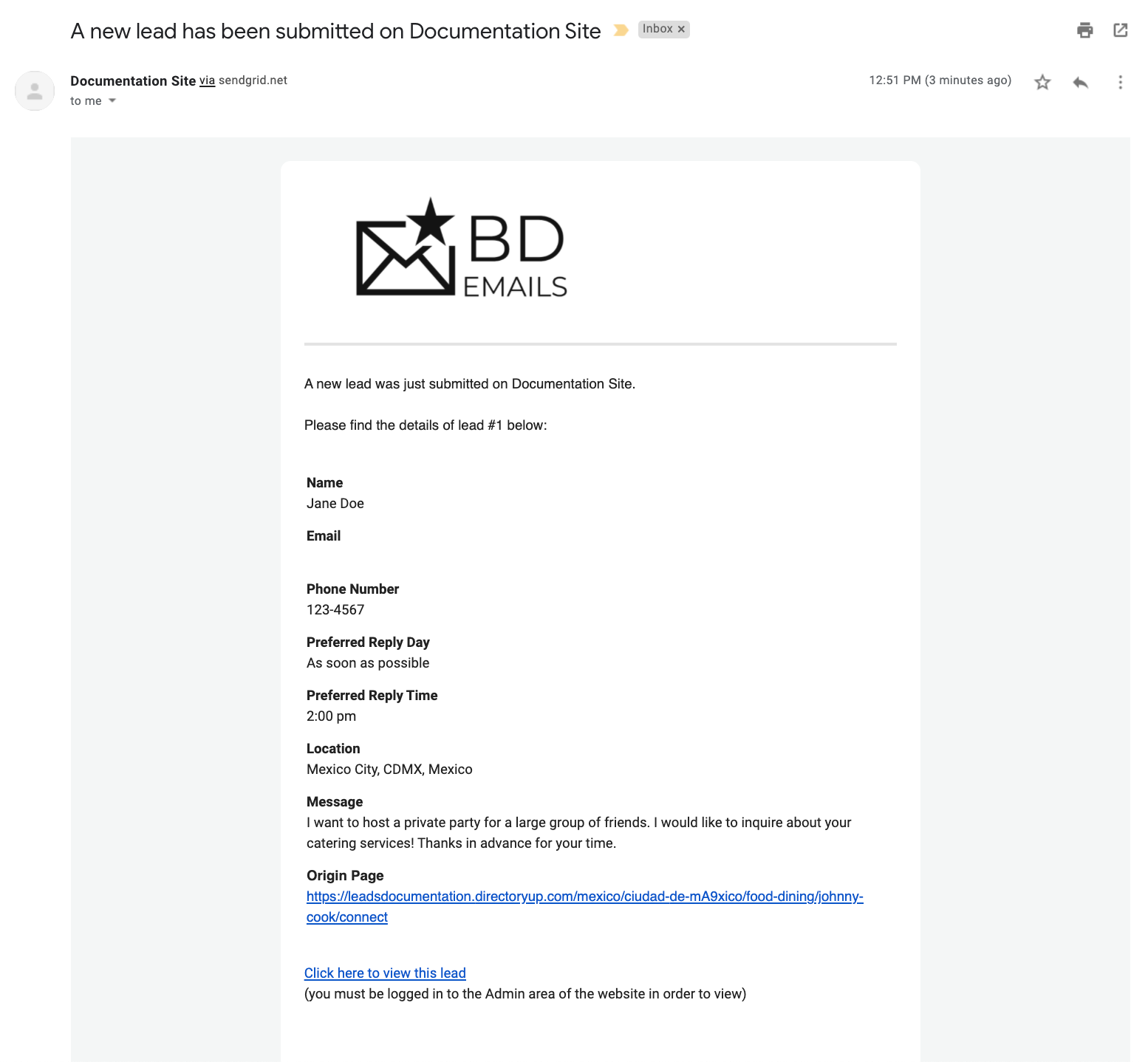
These emails include the information submitted through the lead form, along with the originating page where the request was submitted.
If custom form fields have been added, they can also be displayed in the email when enabled within the form settings.

For more information about this please refer to this article: In-Depth Look Into Form Fields And Their Settings
There are 2 options when sending the members their new lead information:

- member-lead-preview: Sends members a preview of the lead message rather than the full contact details. The email includes a secure login link that instantly signs the member into their account, where they can choose to accept or decline the lead.
- member-lead-complete: Sends members the visitor’s complete message and contact details directly in the email. Because the full lead information is delivered immediately, members are not required to log in or formally accept the lead. As a result, lead acceptance tracking is not available when using this option.
These email templates are responsive and automatically adapt to mobile devices.
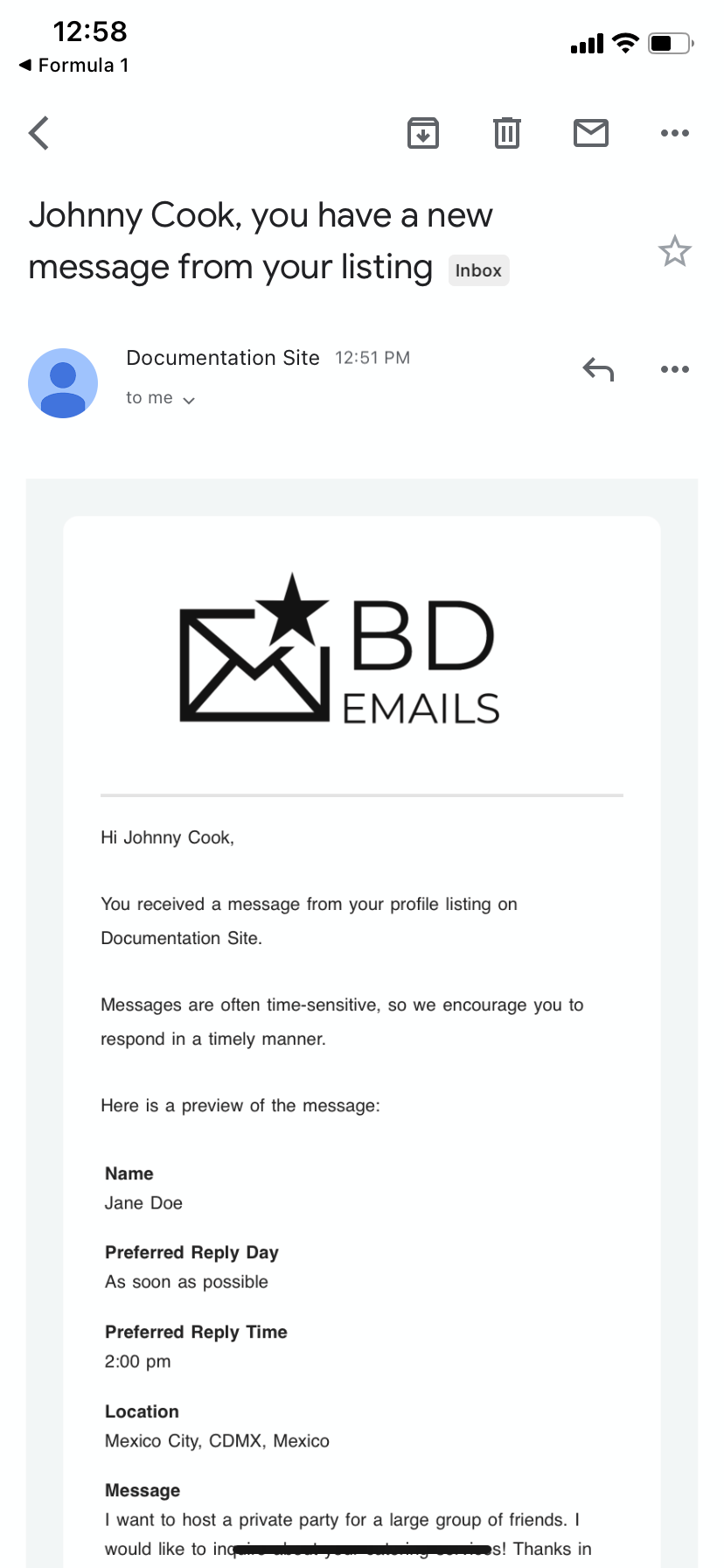
Email templates can be customized by navigating to: Emails » Email Templates
To learn more about editing email templates, refer to the following articles:
» Fluid Images for Email Templates
