
Guide 1. How to Connect a Live Domain Name
Link: https://support.brilliantdirectories.com/support/solutions/articles/12000065940
Connect a Live Domain Name
A Brilliant Directories website begins on a free directoryup.com address. A domain owned by the website operator can be connected whenever the site is ready to use its public address.
The current Domain Manager guides the entire connection through up to four stages: Choose An Address, Check It, Point Domain, and Switch Over. It checks the address before any change is made and displays the DNS record required for the selected domain.
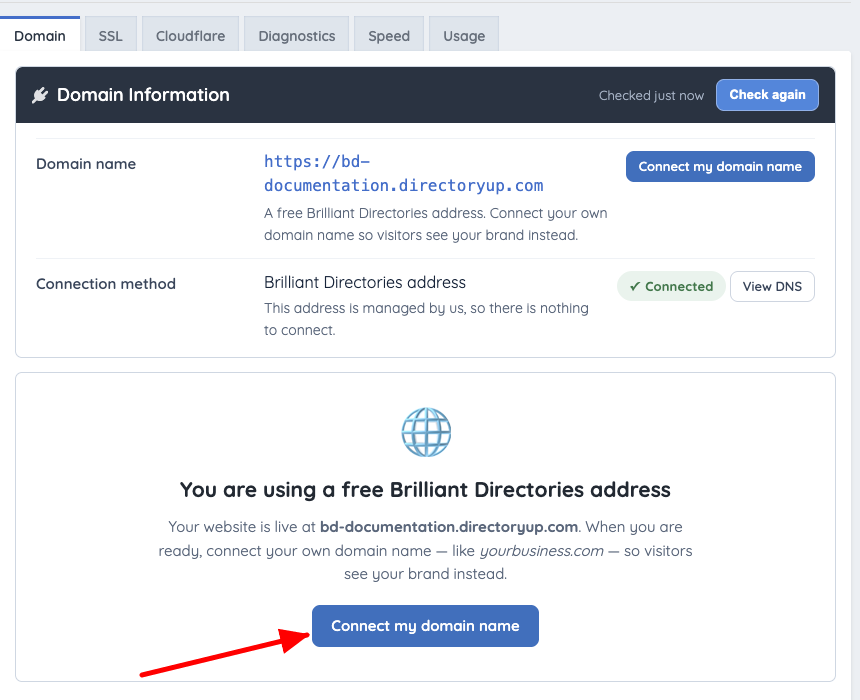
Example on a free directoryup.com address. Additional tabs appear when a custom domain and its services are available.
Connection Choices
- Use a domain from my Cloudflare account — when this option is available, select a domain from the connected Cloudflare account and follow the guided setup.
- A domain name I own — connect a domain or true subdomain by adding the record shown by Domain Manager.
- A free address from us — choose a new
directoryup.comaddress.
For the complete connection instructions, DNS requirements, and post-change checks, see How to Connect a Domain to a Brilliant Directories Website. A root domain such as example.com is always connected as www.example.com, and the record for the root itself depends on the company that runs the domain's DNS; see Point the root domain.
Confirm where email and DNS are hosted. Changing nameservers or mail records can interrupt existing email service.
