Adding a Search Widget for the Reviews
Link: https://support.brilliantdirectories.com/support/solutions/articles/12000057266
New Brilliant Directories websites include a search widget on the Member Reviews search results page by default. If the widget has been removed or your website does not display it, follow the steps below to add it back.
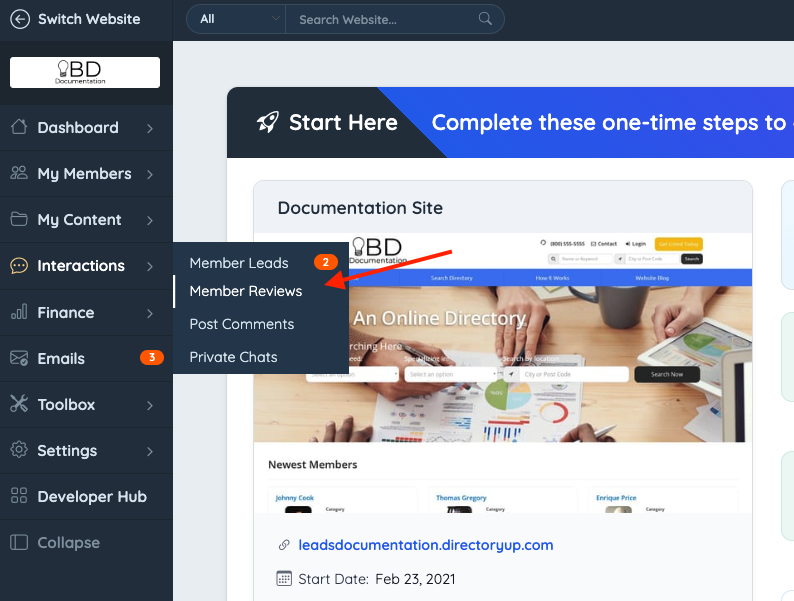
1. Go to Interactions >> Member Reviews.
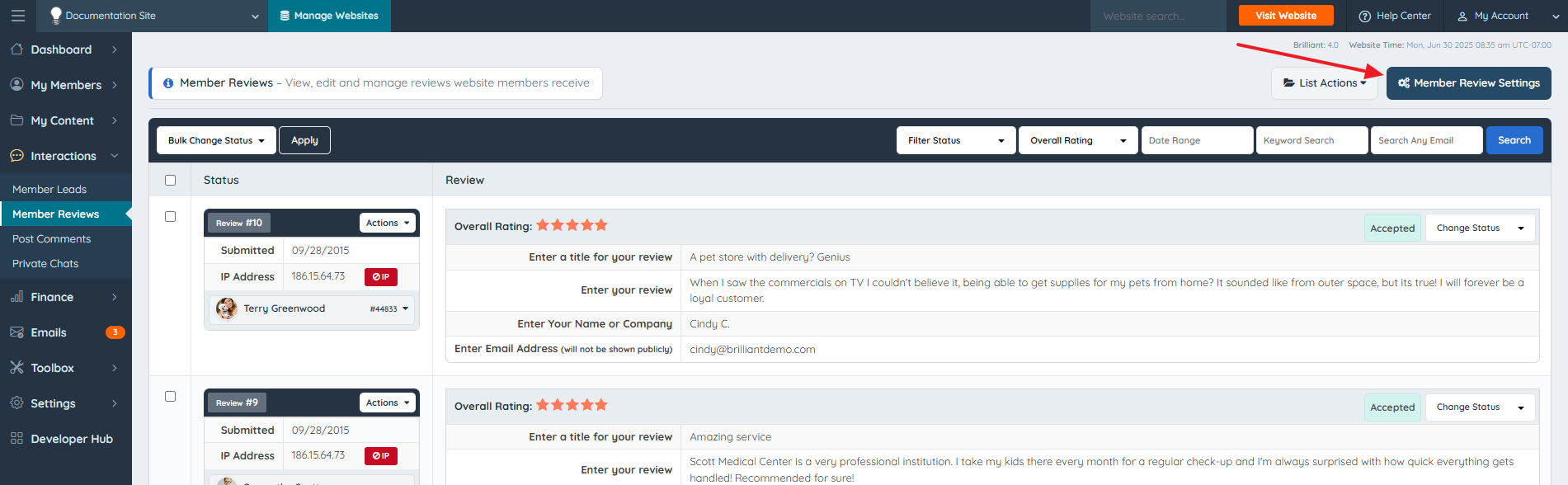
2. Click on the Member Review settings.
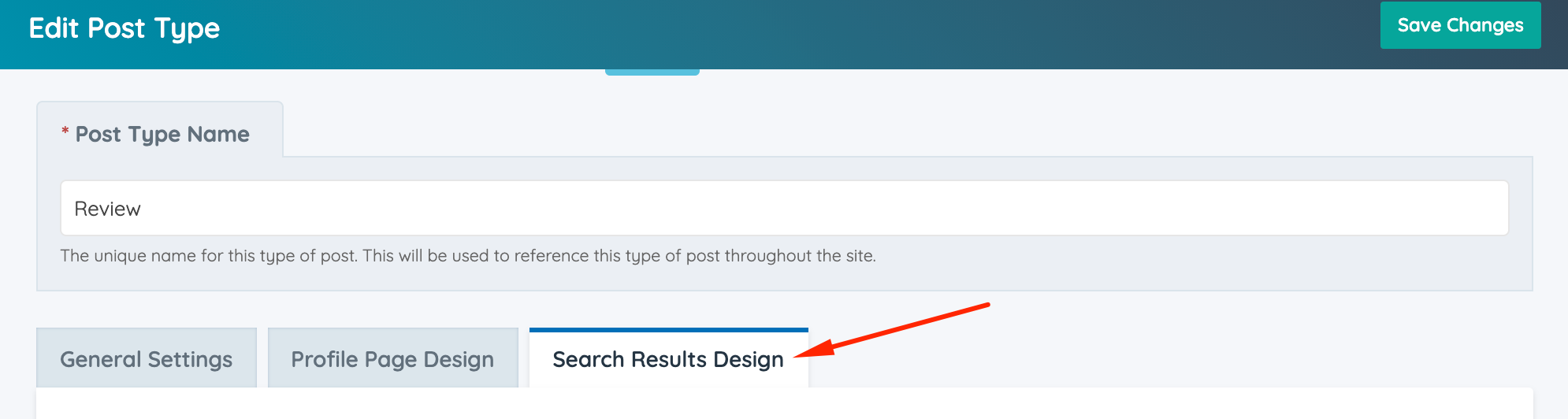
3. Click on the Search Results tab.
4. Scroll down to expand the "Additional Settings" and make sure that the Sidebar To Use is Post Search Results.

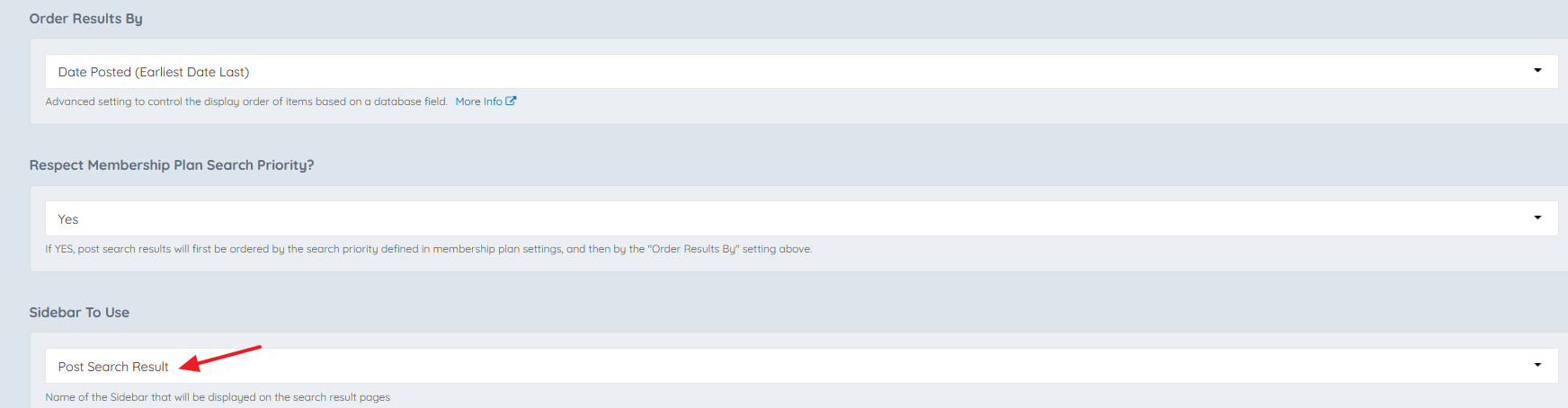
5. Select in the Sidebar Search Module the Bootstrap Theme - Module - Reviews Search.

With this setup, it's possible to do searches in the Reviews search results page.